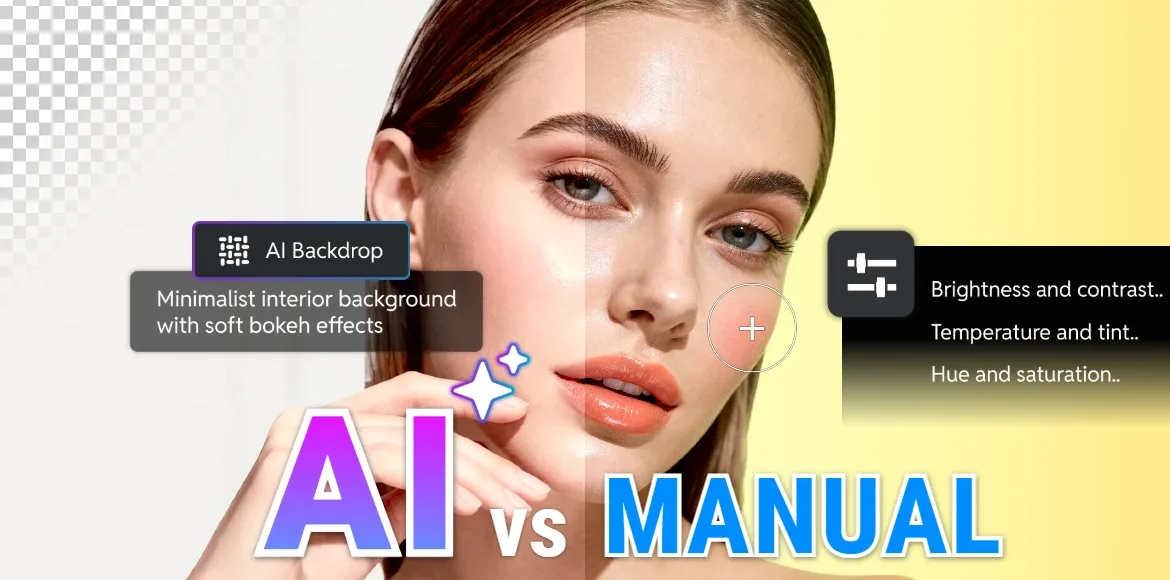

You love editing, whether it’s the precision of a perfectly balanced curve, the satisfaction of a seamless composite, or the excitement of turning an ordinary image into something unforgettable. But let’s be honest. With deadlines, endless revisions, and the constant need for fresh content, time is your most valuable resource.
That’s when the big question arises. Should you rely on AI to speed things up, or stick with manual editing to maintain your creative control?
What if you didn’t have to choose?
In this guide, we’ll explain when to use AI editing and when to go manual, so you can work faster without sacrificing quality, intention, or the personal touch that makes your edits uniquely yours. Whether you’re crafting social visuals, refining product shots, or experimenting for fun, you’ll discover how to make AI your ally, not your replacement.
What Is AI Editing and How Does It Enhance Your Creative Workflow
AI editing isn’t about handing over your creative control to a robot; it’s about unlocking new capabilities for yourself. In practical terms, AI editing uses machine learning to automate tedious, repetitive, or time-consuming tasks, allowing you to focus on bringing your creative vision to life.
Consider features like auto-enhance with Pixlr HDR Auto Enhancer, which intelligently adjusts exposure, contrast, and color balance with a single click, instantly improving your image. For example, if you’re editing landscape photography, AI can boost the dynamic range to reveal more details in both the shadows and highlights. Then there’s AI-powered Remove Object, which effortlessly eliminates unwanted elements, such as a stray coffee cup or an unexpected photobomber, without leaving a trace. Imagine you’re working on a wedding photo and need to remove distracting elements like a bystander in the background; AI Remove Object makes this process seamless. AI Backdrop is another game-changer, enabling you to edit and generate new backgrounds in an instant. Whether you’re perfecting a product shot or creating a professional headshot for your portfolio, AI allows you to swap out dull or busy backgrounds to ensure your subject stands out.
At Pixlr, we view AI as a valuable collaborator, not a competitor. Tools like the AI Image Generator, AI Video Generator, and AI Generative Expand are designed to accelerate your workflow, not replace your creative judgment. For instance, with AI Generative Expand, you can quickly extend the canvas of an image to fit new design needs, like creating social media content or adapting a portrait to a horizontal format. These features take care of the repetitive tasks so you can dedicate more time to the art, the message, and the emotion that make your edits truly stand out. By embracing AI, you free up your creative energy to refine your work and push the boundaries of your designs.
What Is Manual Editing? The Power of Human Precision
Manual editing is where your expertise, intuition, and personal style truly shine in image editing. It is the deliberate process of shaping an image pixel by pixel using techniques like layers, curves, selective masking, blending modes, and brushwork to create exactly what you envision. These manual photo editing techniques give you complete control over the visual narrative, ensuring the image reflects your creative intentions.
While AI can suggest fixes or automate certain tasks, only you know how a shadow should fall to convey warmth or how a subtle color shift can evoke nostalgia. For example, when working on a portrait, you might manually adjust the lighting to create a soft glow on the subject’s face, adding an emotional depth that an AI tool might miss. Manual editing is also essential when you need to ensure brand-consistent tones across multiple images or add authenticity to a portrait. If you’re working on a brand’s social media campaign, you may need to adjust the colors to fit the specific tone and feel of the brand’s identity. This ensures that every visual communicates the right message and emotion.
Manual editing is also crucial when creating composite images. Imagine creating a surreal scene by blending different elements. You need to ensure that the lighting, shadows, and textures match perfectly across all layers. For instance, if you’re composing an image with a glowing sunset and a person standing in front of it, you would manually adjust the person’s shadows and highlights to match the natural lighting of the sunset. This level of detail ensures the composition feels cohesive and believable.
Even the most AI-savvy creators return to manual editing tools for final polish. No algorithm understands your audience, your story, or your creative intent the way you do. Whether you’re fine-tuning the details, adjusting lighting for mood, or perfecting the overall composition, manual editing offers precision and personalization that AI cannot replicate. It is where your creative instincts and technical skills combine to elevate an image, transforming it into a masterpiece that is uniquely yours.
Top AI Editing Use Cases for Speed and Efficiency
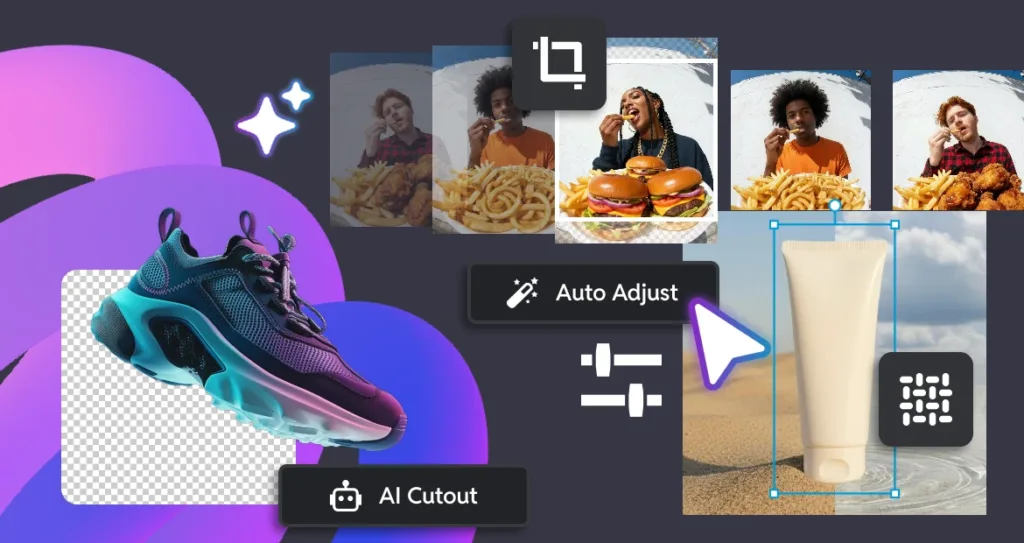
AI editing shines when you need to work quickly or handle a high volume of tasks. It streamlines your workflow by automating time-consuming processes, allowing you to focus on creative decisions. Here are some of the best use cases for AI editing that can significantly speed up your work and improve efficiency.
- Batch-editing social media posts across platforms
AI is ideal for batch editing, allowing you to apply the same layout across multiple sizes with minimal adjustments for each approved layout. Whether it’s a 1:1 square post, a reel size, or a horizontal format, AI can save you time while ensuring a cohesive look across all visuals. - Quick background swaps for eCommerce product photos
AI tools make background replacements fast and simple, which is especially useful for eCommerce product photography. You can swap out backgrounds in seconds, whether you need a clean white background or want to place your product in a dynamic setting. This eliminates the need for studio setups, saving both time and costs in the process. - Auto-fixing lighting or exposure on mobile-captured images
Mobile phones are often used to capture photos in less-than-ideal lighting conditions, resulting in underexposed or overexposed images. AI editing tools automatically correct lighting and exposure issues, transforming photos that would otherwise be unusable into professional-quality images in just a few clicks. Try Pixlr AI Photo Editor app for quick, on-the-go editing. - Generating placeholder visuals for brainstorming
AI is a game-changer during the early stages of a project when you need placeholder visuals or quick mockups. With the AI Image Generator, you can create visual concepts based on simple prompts. Alternatively, try Pixlr Nano Banana, where you can upload an image as a base and fine-tune it using straightforward prompts. This helps you visualize ideas and concepts without starting from scratch. - Removing distractions in seconds
AI-powered tools excel at removing distractions like cables, signage, or cluttered backgrounds from images. Whether you’re cleaning up an outdoor scene or tidying up a product shot, Pixlr’s AI Remove Object tool makes it effortless to eliminate unwanted elements without the need for time-consuming manual work.
Pro Tip: Pixlr’s one-click AI tools can cut editing time by up to 70% on repetitive tasks. This allows you to focus on high-impact creative decisions while AI handles routine edits. By leveraging AI, you can speed up your workflow, maintain consistency, and scale your content production without sacrificing quality.
Manual Image Editing for Precision and Creative Control
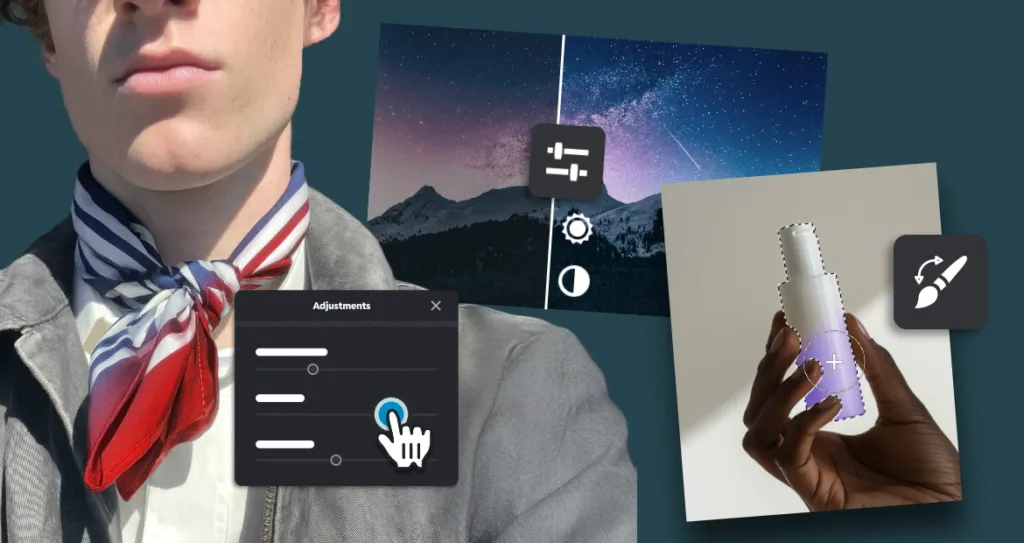
There are moments when automation cannot match human finesse. In these cases, manual editing is essential to achieve the precision, nuance, and creativity that AI alone cannot provide. Here are some situations where manual editing is particularly important:
- Retouching portraits with emotional authenticity
Manual editing allows you to preserve the natural texture of the skin while removing blemishes or imperfections. For example, when editing a professional headshot, you can subtly enhance the subject’s features to convey warmth and personality without creating an artificial appearance. - Crafting branded color grading or custom filters
Creating a unique visual identity for your brand requires precise control over colors and tones. Manual editing lets you design custom filters or adjust color grading to match brand guidelines, ensuring every visual asset communicates the right mood and style. - Building complex composites or layered storytelling
For projects that involve combining multiple images or creating detailed composites, every element must align perfectly. For instance, in a marketing campaign image where a product is placed in a dynamic lifestyle scene, manual adjustments to lighting, shadows, and placement are critical to make the composition look natural and cohesive. - Adjusting specific areas without affecting the whole image
Manual editing allows for localized adjustments, such as brightening a subject’s eyes or enhancing a product’s details without altering the background. This level of control ensures that important elements stand out while the rest of the image remains balanced. - Teaching or demonstrating editing techniques
Manual editing is crucial when demonstrating your workflow for tutorials or workshops. Showing each step in detail helps others learn the process and understand the artistic decisions behind your edits.
Pro Tip: In the current AI world, as a product communicator, you might use AI to create a base visual quickly, then switch to manual editing to align every pixel with your brand’s tone, voice, and quality standards. This hybrid approach ensures professional results while retaining full creative control.
Combining AI and Manual Image Editing for an Efficient Workflow
The best workflow combines AI speed with manual precision. Start with AI for heavy lifting, such as cleaning up images, correcting exposure, or generating base layouts. Then refine the image manually to enhance composition, adjust hues to match brand colors, and add mood with curves or selective adjustments.
For example, turning a raw smartphone photo into a polished marketing asset is faster and more precise when AI handles cleanup and basic corrections, and manual editing refines storytelling, lighting, and composition.
Pixlr supports this hybrid workflow in a single editor, enabling seamless transitions between AI automation and hands-on editing. You can work efficiently without switching between multiple applications or sacrificing creative control.
5-Minute Pixlr AI and Manual Editing Challenge
1. Upload a photo, such as a casual snapshot or a product image.
2. Apply HDR to balance lighting and color, use AI Remove Object to eliminate distractions, and try AI Super Scale in Pixlr Express to upscale the image while maintaining its quality.
3. Switch to manual mode to adjust Curves or Levels for contrast in Pixlr Editor, refine edges with masks, or apply selective blur, sharpen, or smudge tools to guide the viewer’s eye.
4. Export the final image and compare the time and quality to fully manual editing.
Now imagine scaling this process across your entire content calendar. Using AI for repetitive tasks and manual tools for refinement allows you to work faster while maintaining high-quality, personalized results.
Creativity Comes First, Technology Supports It
AI editing delivers speed and scalability, while manual editing provides control, nuance, and authenticity. By combining both approaches, you can maximize efficiency without sacrificing the uniqueness of your work. At Pixlr, our tools are designed to empower your creative vision, giving you the ability to edit faster while maintaining full control over your final results. From AI Generative Expand, which seamlessly extends your images in any direction, to AI Avatar, which lets you swap faces for fun, create superhero portraits, or produce professional-looking shots without a studio, Pixlr puts limitless creative possibilities at your fingertips. Editing has never been this intuitive or powerful.
Ready to elevate your workflow and bring your vision to life faster than ever? Start now with Pixlr’s AI-powered editor and explore the full suite of AI tools. Experience how blending AI automation with manual craftsmanship allows you to produce consistently stunning visuals with less effort and more creative freedom.