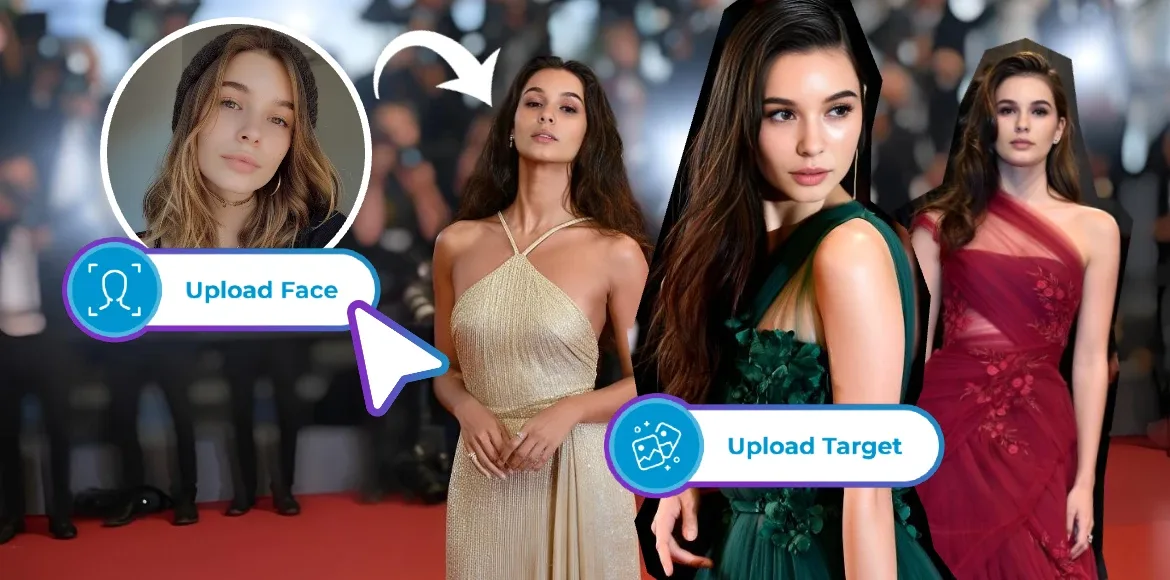

Imagine this. You are relaxing in your favorite hoodie, scrolling through Grammy afterparty photos, when a thought crosses your mind. What if you were the one walking the red carpet, confident, camera ready, and dressed for the spotlight.
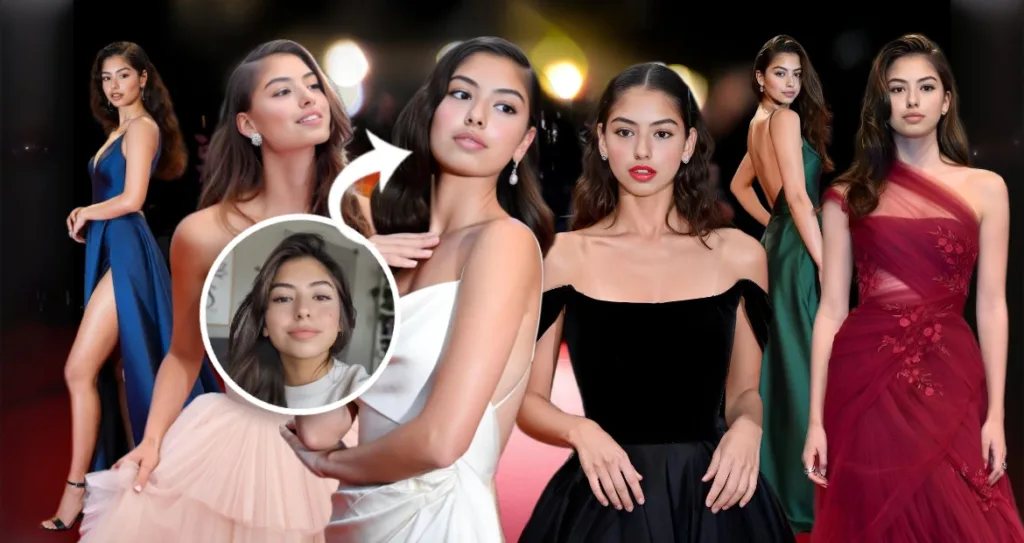
With Pixlr AI Face Swap, that idea becomes a reality in seconds. Simply upload your selfie, choose a glamorous red carpet scene such as the Fashion Walk template or upload your own aspirational glam image, and let AI transform your photo into a Grammy inspired portrait. Your look is instantly elevated with refined styling, balanced lighting, and a polished, star worthy finish without leaving your couch.
Once your face swap is complete, take it a step further in Pixlr Express. Add subtle glitter accents, bold text like Album of the Year, or soft highlights that enhance the celebrity vibe. Whether you are creating content for fun, increasing engagement on social media, or exploring AI powered creativity, Pixlr makes professional looking visuals easy and accessible.
Tap, swap, and shine. Your red carpet moment starts here.
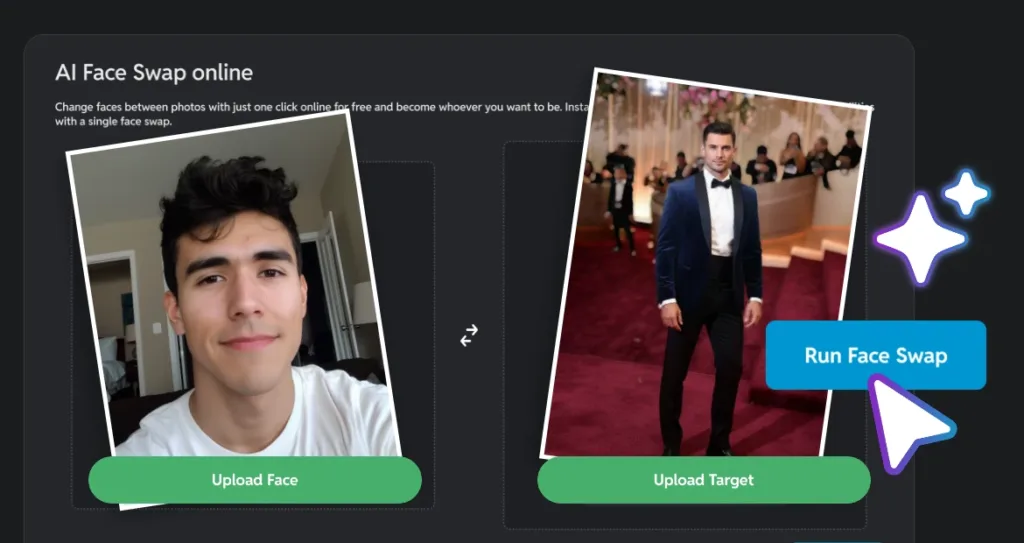
Create Grammy-Worthy Glam Selfies with Pixlr AI Face Swap
Turning an everyday selfie into a Grammy worthy glam image is easier than ever. For creators who enjoy fashion, self expression, and visual storytelling, Pixlr AI Face Swap offers a simple way to explore red carpet aesthetics without professional shoots or complex editing tools.
Whether you imagine yourself in a couture gown, a bold statement outfit, or a refined award night look, face swapping allows you to place your own identity into iconic Grammy inspired scenes. The result feels creative, playful, and personal, making it ideal for selfie lovers, content creators, and anyone experimenting with glam visuals for social media.
This is not about selling a fantasy. It is about celebrating creativity, confidence, and personal style. From understated elegance to full red carpet drama, Pixlr AI Face Swap gives you the freedom to reimagine your selfies and step into the spotlight on your own terms.
Create a Grammy Selfie with Pixlr AI Face Swap
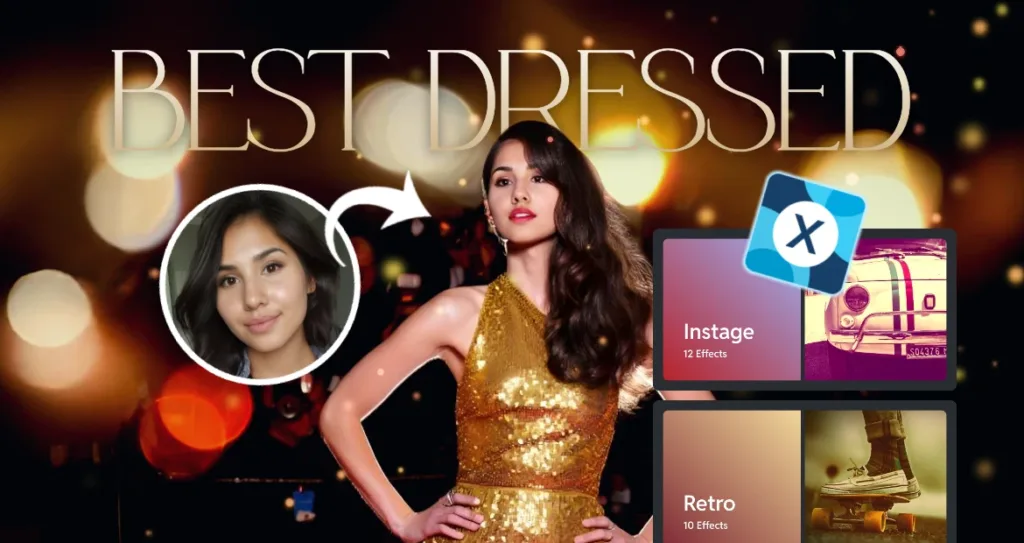
Creating your own red carpet moment has never been easier. With Pixlr AI Face Swap and Pixlr Express, you can go from a simple mirror selfie to a full-on Grammy fantasy in under five minutes. Follow this easy guide to craft a glamorous, share ready edit that turns heads.
Step 1: Take a Clear Front Facing Selfie
Use natural light and a plain background. Keep your face centered and well lit for best AI results.
Step 2: Upload to Pixlr AI Face Swap
Go to pixlr.com/face-swap, upload your selfie, and pick a glamorous base image or add your own.
Step 3: Let AI Blend Your Face Automatically
Pixlr AI Face Swap matches lighting, angle, and expression for a realistic, seamless glam look in seconds.
Step 4: Add Glitter and Text in Pixlr Express (optional)
Enhance your edit with gold foil effects bold captions like Best Dressed and Effects filters like Coco under Instage or Ragwarm under Retro. Add sparkle stickers for TikTok and Reels.
Step 5: Download and Share Your Grammy Look
Export and post with hashtags like GrammySelfie RedCarpetReady and PixlrGlam. Tag Pixlr for a chance to be featured.
Pro Glam Tips for Pixlr AI Face Swap
Creating a Grammy inspired glam selfie goes beyond a simple face swap. Smart editing decisions can dramatically improve realism, cohesion, and visual impact. These practical tips help creators elevate award season selfies so they feel polished, expressive, and ready for the red carpet.
Use High Contrast Red Carpet Images
Start with a strong base image. Glamorous red carpet visuals with high contrast lighting, confident poses, sequined gowns, or tailored tuxedos provide a powerful foundation for face swapping. Clear highlights and shadows allow facial features to blend more naturally and give the final image a cinematic, editorial finish.
Match Your Outfit to the Base Photo
For a more seamless result, pay attention to what you are wearing in your selfie. If your outfit is black, white, or neutral, choose a base image with similar tones and lighting. Matching color palettes and brightness levels helps the face swap feel cohesive and reduces visual distractions.
Change the Background to the Grammy Red Carpet with Nano Banana
If your original photo background does not match the glam aesthetic, use Nano Banana to replace it with a Grammy red carpet scene. This instantly sets the mood and places your selfie in a recognizable award night environment. A clean, well matched background enhances realism and makes the entire image feel intentional and on theme.
Add Red Carpet Drama with Glow and Diamond Effects
For a final touch of award night energy, apply Hagrid under Friends effects or Ensalat under Food effects in Pixlr Express. These effects work especially well on jewelry, hair highlights, accessories, and background lighting. When used subtly, they enhance the glam factor while keeping the overall look elegant and balanced.
By combining thoughtful image selection, background enhancement with Nano Banana, and light stylistic edits, creators can transform simple selfies into Grammy worthy glam visuals that feel confident, creative, and visually refined.
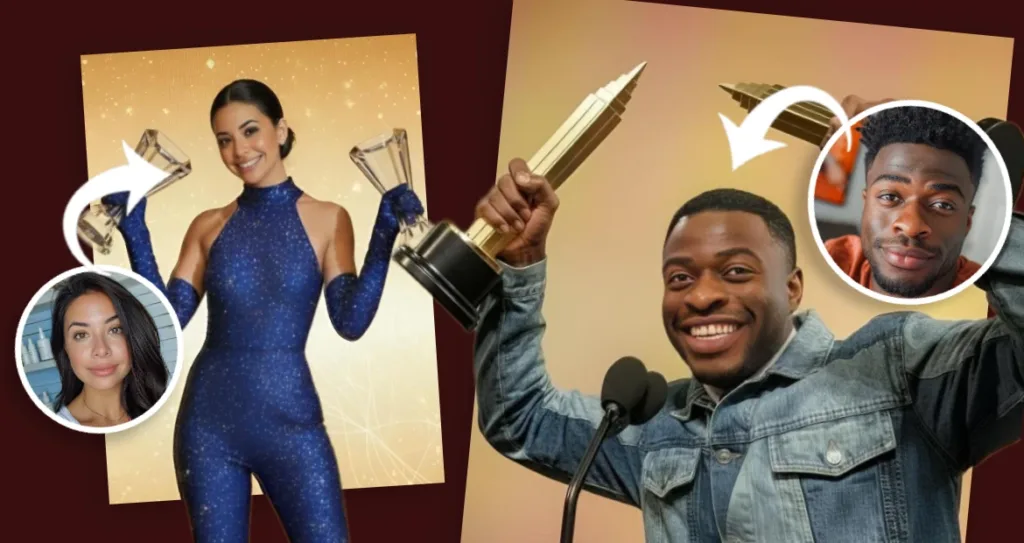
Trending Grammy Selfie Ideas with AI Face Swap
Grammy inspired selfies are trending across social media, and AI face swap tools are making it easier for creators to join in. These creative concepts are simple to execute, visually striking, and perfect for anyone who enjoys glam aesthetics, pop culture moments, and expressive selfie content. Whether you are posting for fun or building engagement, these Grammy themed ideas help your edits feel timely and relatable.
Me as Best New Artist
Imagine yourself as a first time nominee stepping into the spotlight. Face swap your selfie onto a fresh faced artist look and add your name using a bold, clean font. This concept works especially well for creators, musicians, and anyone celebrating a new chapter or creative milestone. It taps into the excitement of recognition while keeping the edit playful and personal.
If I Won Album of the Year
Recreate the ultimate award night moment by placing yourself in a trophy holding pose. Add golden confetti, soft light flares, or subtle celebratory text to enhance the scene. This idea resonates with fans of music culture and works well as a statement post that blends humor, confidence, and visual drama.
My Fantasy Red Carpet Look
Step into a look you have always dreamed of wearing. Whether it is a couture gown, a bold statement suit, or a high fashion experimental style, AI Face Swap lets you place yourself into iconic red carpet imagery. This concept is especially popular with fashion lovers, glam creators, and anyone who enjoys exploring style without limits.
Grammy Afterparty Vibe
Capture the mood after the awards with darker lighting, lounge settings, or city night backdrops. This style feels relaxed yet stylish and works well for creators who prefer an editorial or cinematic aesthetic. It is ideal for moody selfies, late night vibes, and content that feels cool and understated.
Once your edit is ready, share it on social media to join the trend.
Your Grammy Moment Starts Now
The red carpet is no longer reserved for celebrities. With a selfie and a creative idea, anyone can step into a Grammy inspired moment and make it their own.
Pixlr AI Face Swap and Pixlr Express remove the usual barriers of design skills, software downloads, and complicated workflows. Everything works directly in your browser, giving you the freedom to experiment, refine, and create at your own pace.
From face swapping to adding final glam details, the process is simple, intuitive, and fun. Whether you are creating content for social media, exploring your personal style, or joining a trending Grammy moment, Pixlr makes it easy to express yourself visually.
Your spotlight moment is waiting. Create your Grammy inspired selfie now at https://pixlr.com/face-swap