Kostenloser AI Video-Generator
Der beste kostenlose AI Video-Generator — verwandeln Sie Text in Video oder erwecken Sie Fotos zum Leben. Angetrieben von Google Veo, Seedance und Kling AI. Generieren Sie HD-Videos aus Textbeschreibungen oder Bildern in Sekunden. Perfekt für Werbung, Social Media, Tutorials und Produktpräsentationen.


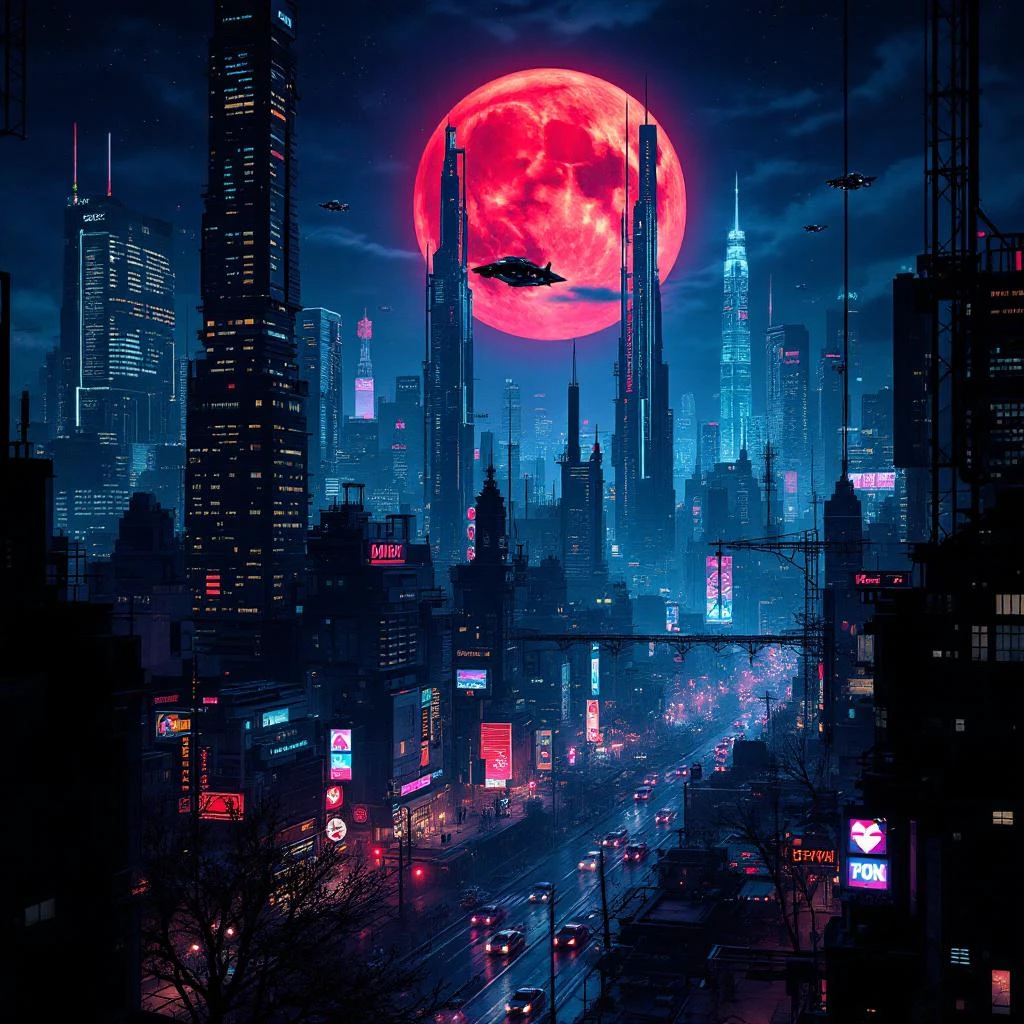
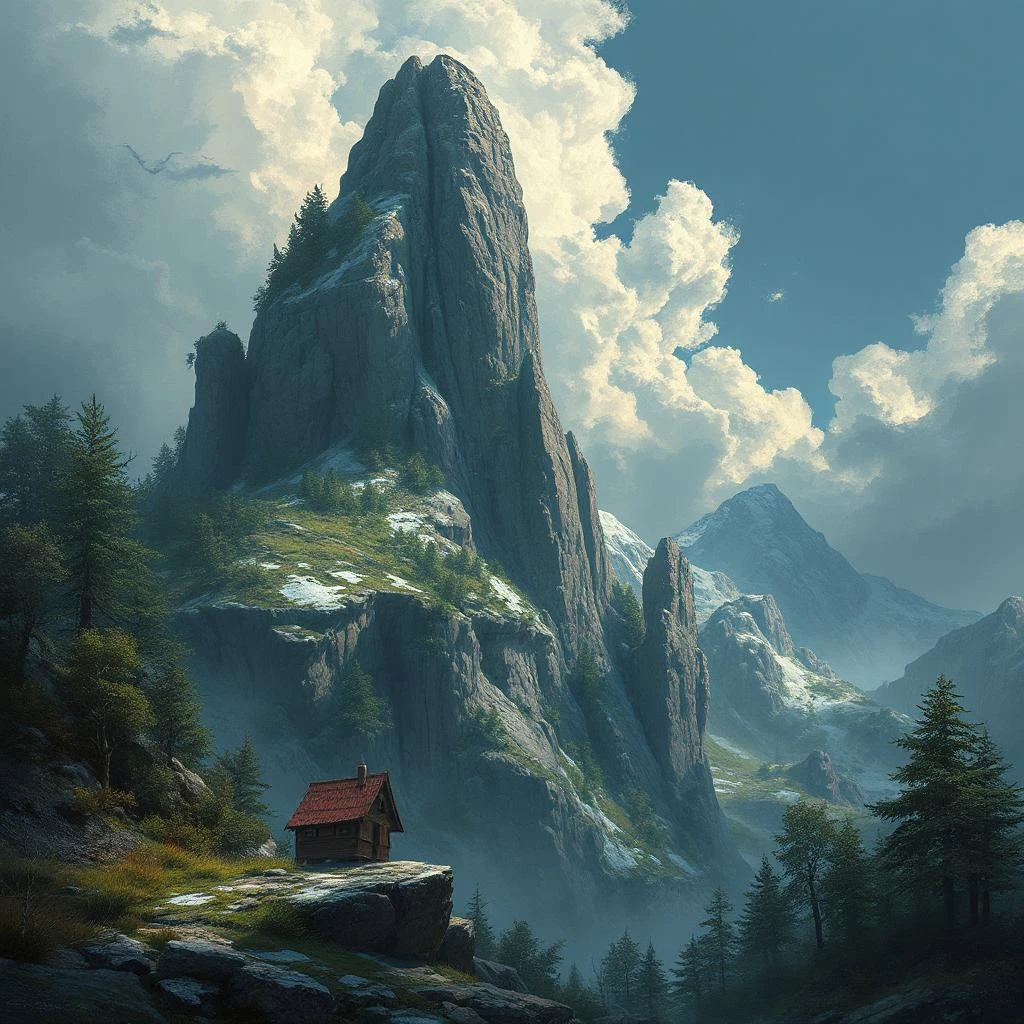
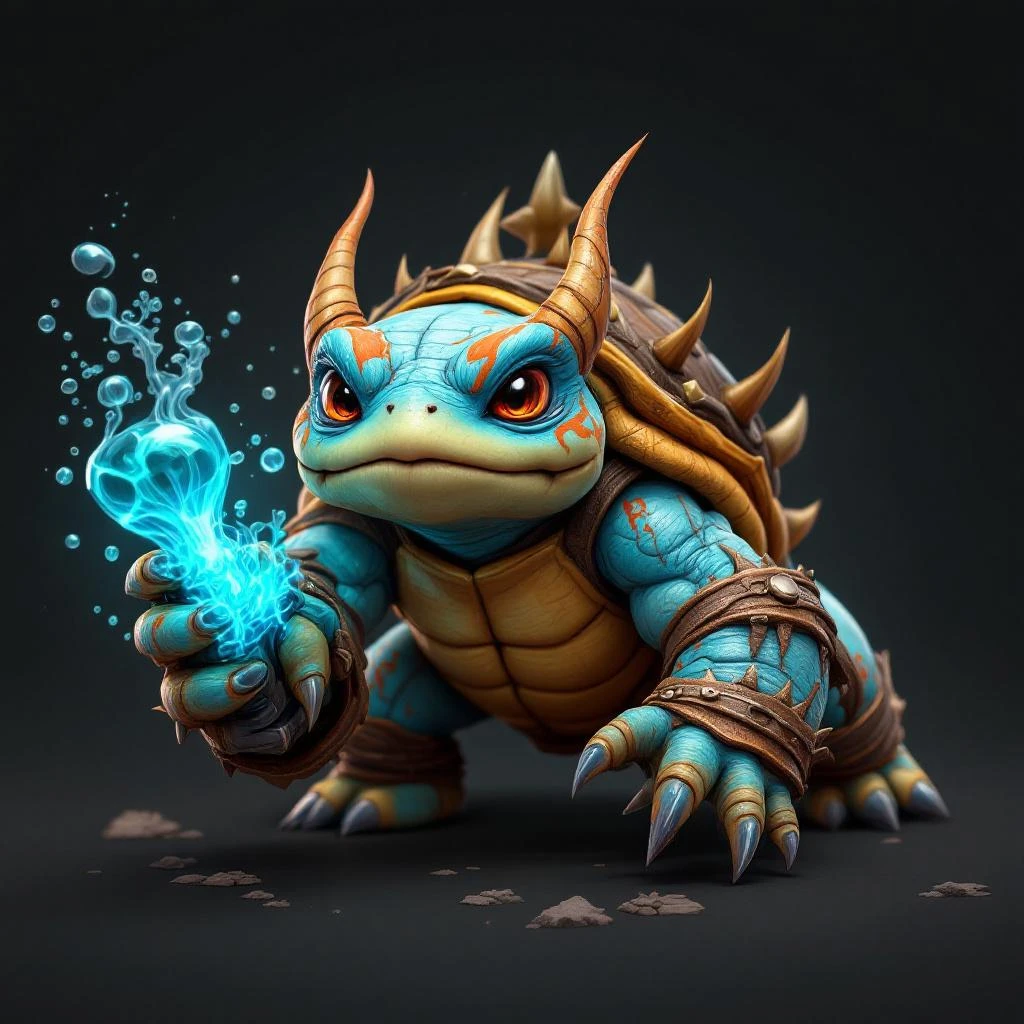
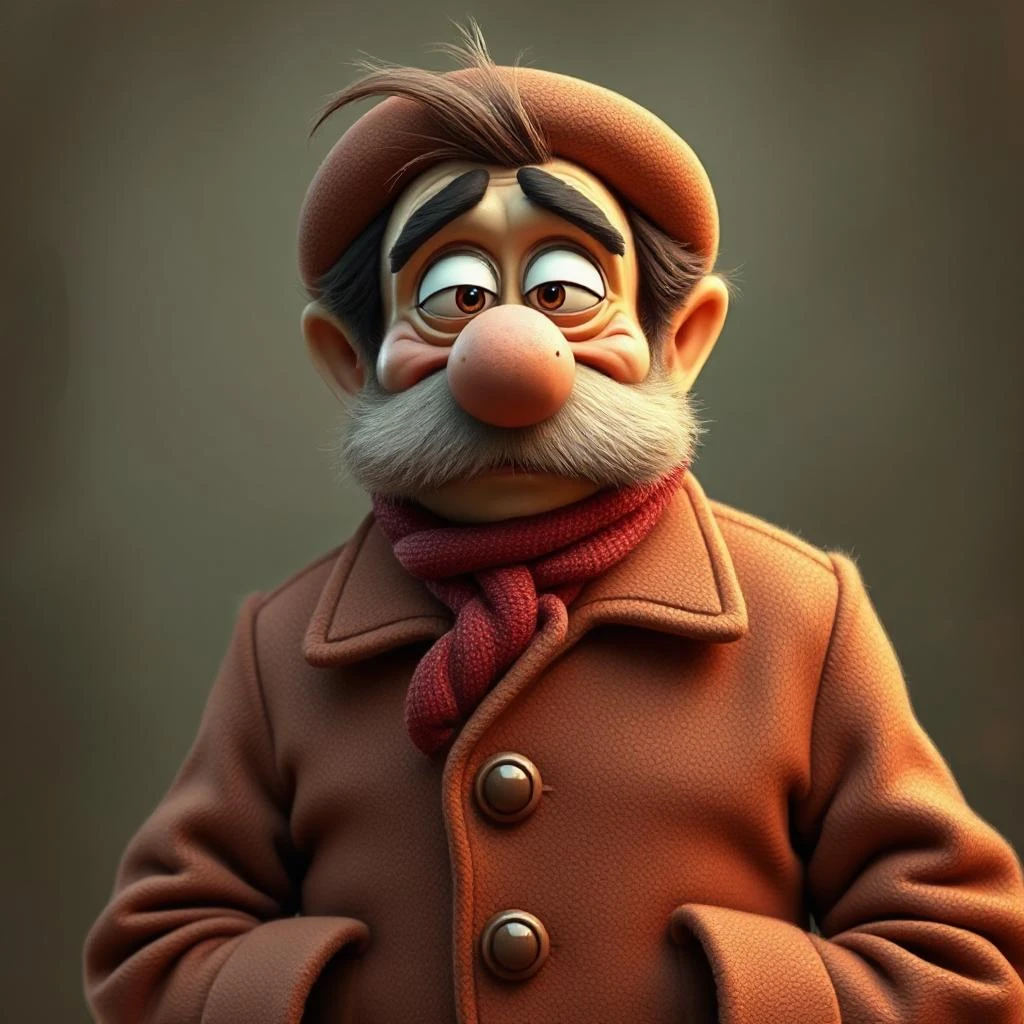
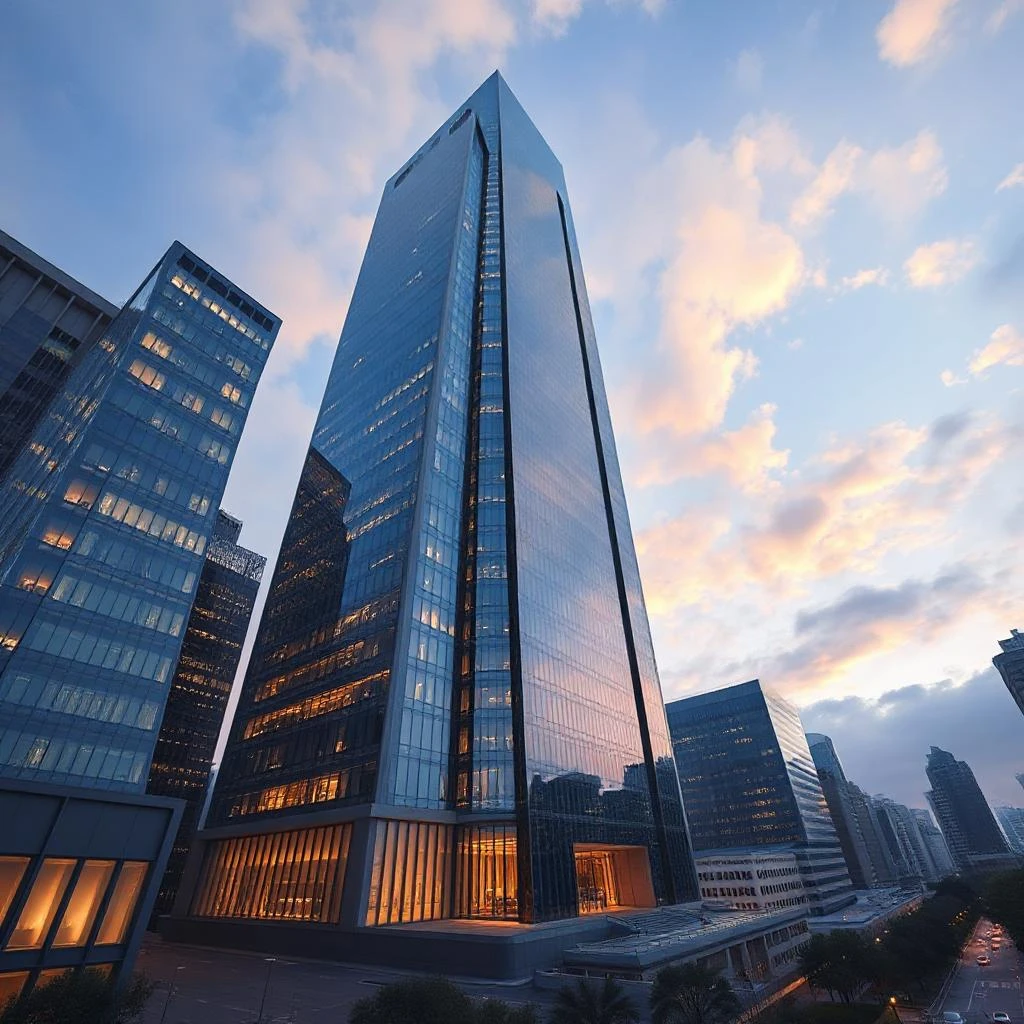
Introduction to AI Video Generation
AI video generation is a revolutionary technology that enables users to create high-quality videos using artificial intelligence. With the help of an AI video generator, users can transform simple text prompts into stunning videos, making video creation more accessible and efficient. This advanced technology analyzes the text prompt and generates a video that meets the user’s requirements, whether it’s for explainer videos, training videos, or social media content. By leveraging AI video generation, users can save time and effort, allowing them to focus on other aspects of their business or creative endeavors. The result is a seamless video creation process that produces high-quality videos with minimal input.
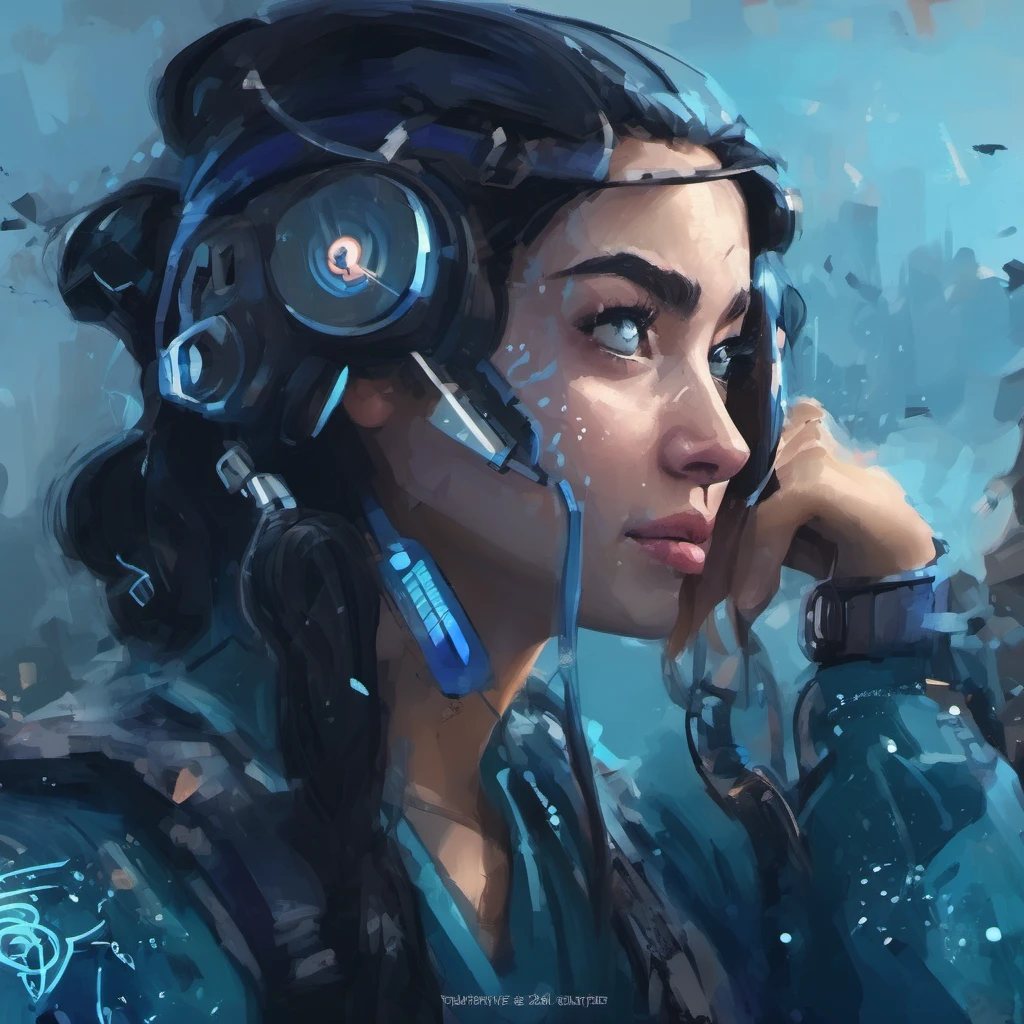
Convert text to video with one prompt
Easily create videos from text using Pixlr's AI-powered text to video generator by inputting your script. With just a prompt, our online video maker transforms it into a full video complete with scenes, transitions, and background music. Whether you're making a marketing video, explainer, or social media post, you can turn simple ideas into professional-quality content without complicated tools. Perfect for busy marketers, small businesses, content creators, and anyone who needs to make videos online quickly and affordably. Get your messagen across with clear, engaging videos that are ready to share on any platform.
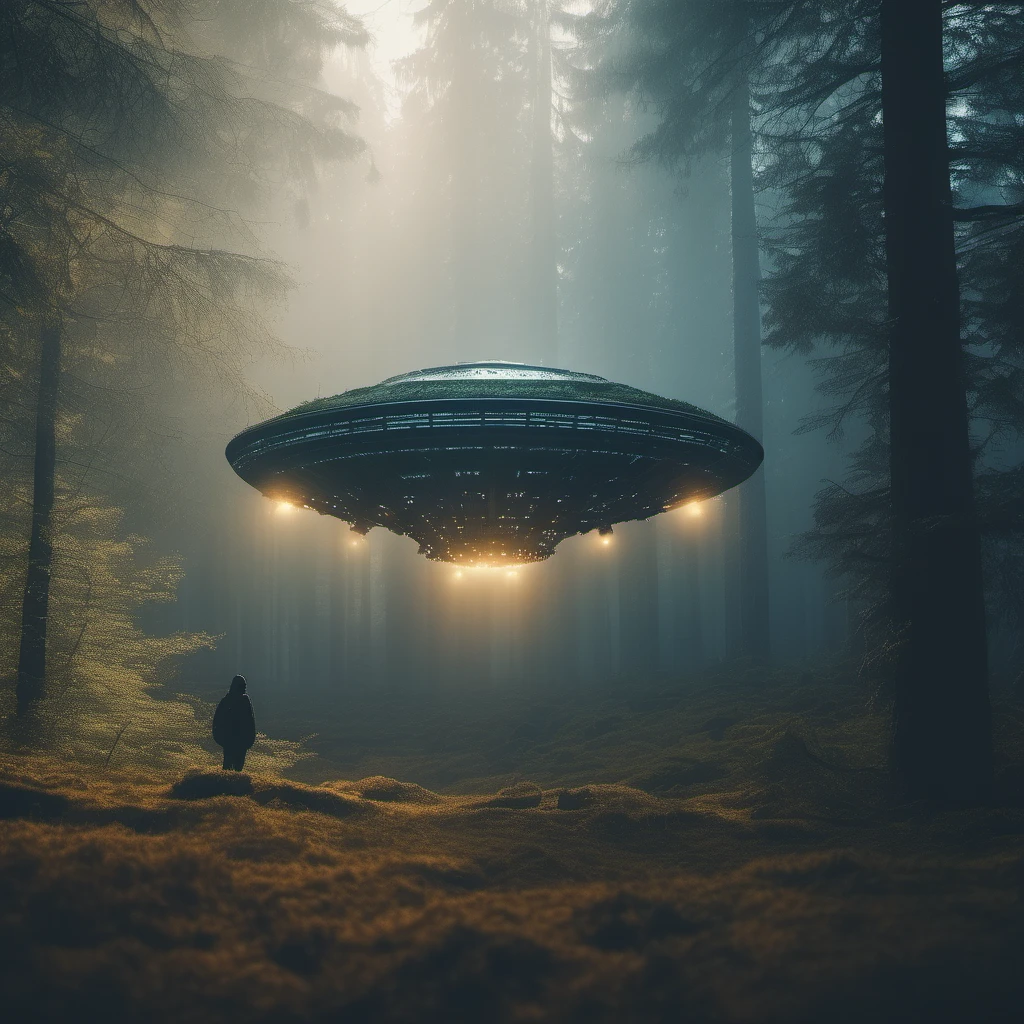
Animate images into smooth video sequences
Bring your static images to life and make videos online effortlessly with Pixlr’s image to video tool. Upload personal photos, product photos, lifestyle shots, or event images, and transform them into dynamic, animated videos in just a few clicks. Add custom transitions, choose your music, and create eye-catching slideshows perfect for Instagram, TikTok, Facebook, and YouTube. Whether you’re creating product promos, brand stories, or social media campaigns, Pixlr makes it easy to turn static visuals into powerful video content that drives engagement and helps grow your audience.
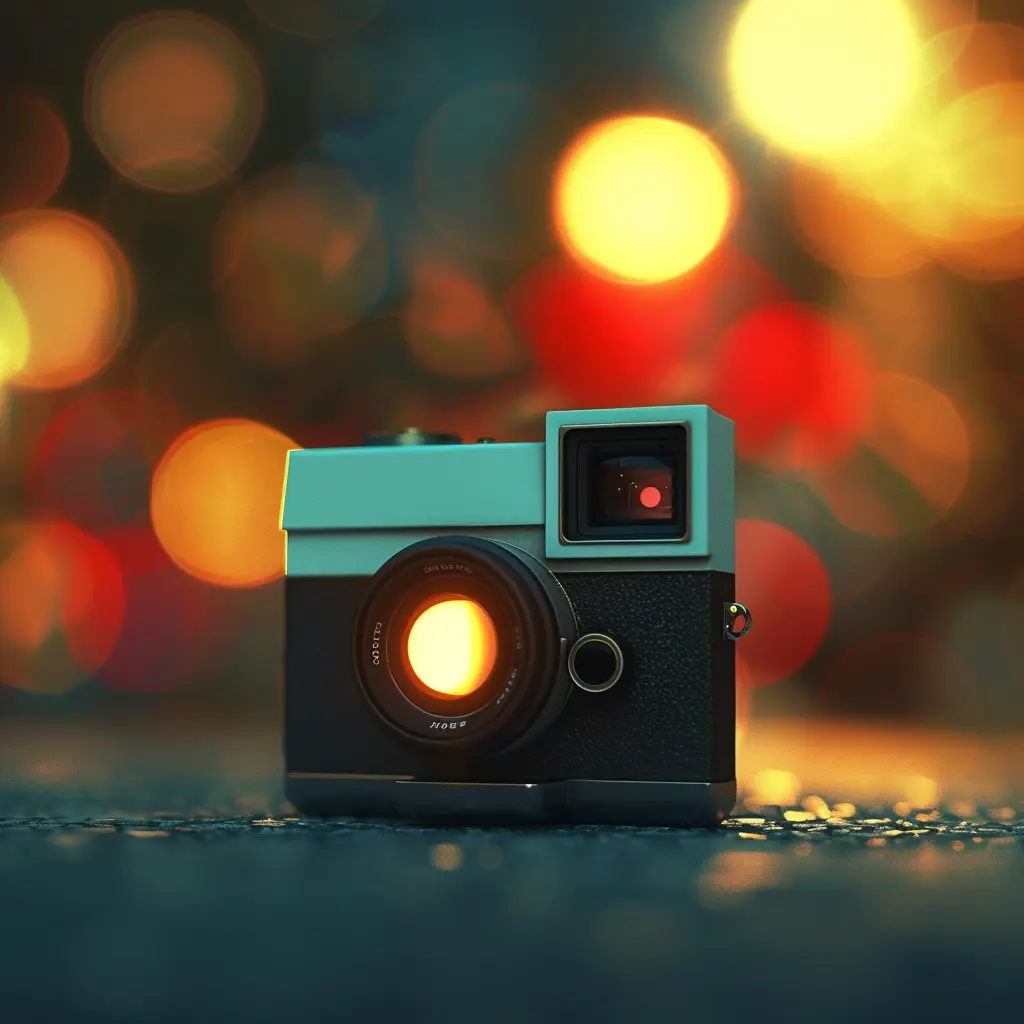
Customize layouts, music, and video speed
Personalize every part of your video with Pixlr's easy-to-use video editor features. Adjust the video layout to highlight your message, fine-tune transitions for smoother flow, choose background music that sets the tone, and control video speed for more impact. Make quick edits to delete unwanted parts or adjust scenes and characters effortlessly. Whether you’re making short videos for TikTok, product videos for Amazon, or tutorial videos for YouTube, Pixlr gives you flexible options without the steep learning curve of traditional editing software. Create high-quality videos that reflect your brand and keep your viewers interested from start to finish.
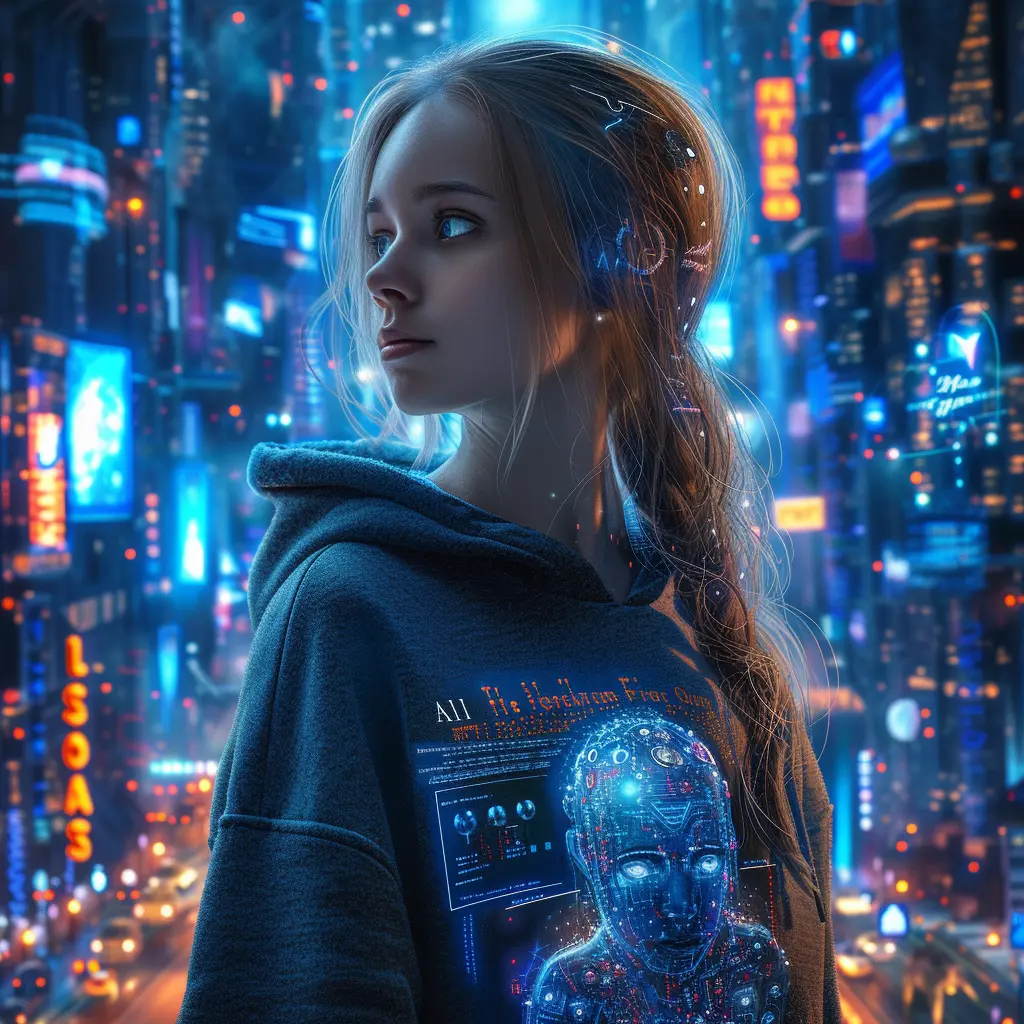
Download high-quality videos watermark-free
Create and download high-quality videos with Pixlr without worrying about watermarks ruining your work. Our online video maker lets you export HD video output that is clean, professional, and ready to use across websites, social media, advertising campaigns, and presentations. You can create publish-worthy videos by utilizing AI technology to transform still images into engaging videos quickly. Maintain your brand's credibility with polished videos perfect for Facebook Ads, YouTube uploads, Instagram Reels, and TikTok promotions. Whether you’re a business owner, marketer, or creator, Pixlr gives you the tools to make professional videos easily and without hidden costs or restrictions.
AI Video Creation Process
The AI video creation process is straightforward and user-friendly. It begins with the user inputting a text prompt or uploading an image. The AI video generator then analyzes this input and generates a video tailored to the user’s specifications. Users have full control over the video creation process, allowing them to fine-tune the video by adding other elements such as music, animations, or editing the clips. This customization ensures that the final video aligns perfectly with the user's vision. Once the video is generated, it can be downloaded in various formats, making it easy to share on social media platforms, YouTube, or other online channels. This process not only simplifies video creation but also ensures high-quality output every time.
Create videos for ads, tutorials, and social media
Creating videos that fit any purpose with Pixlr's AI Video Generator is now easier than ever. The AI video creator tool offers capabilities such as generating videos from text prompts and images, making the video creation process versatile and efficient. Whether you need to create videos for social media, design engaging ads for Facebook and Instagram, or produce helpful tutorials for YouTube, Pixlr makes it fast and easy. Start with a simple text prompt or a few images, customize your video, and share your final creation everywhere your audience is. Ideal for marketers, entrepreneurs, educators, and influencers who need to create more content in less time. No complex software, no video editing background needed — just smart, creative results.
AI Video Generation Trends
The AI video generation market is rapidly evolving, with new trends and technologies emerging every day. One of the most exciting trends is the use of generative AI, which allows users to create stunning videos using simple text prompts. This technology is making video creation more accessible and efficient than ever before. Another significant trend is the integration of AI video generation with other tools and platforms, such as Adobe Premiere Pro, providing a seamless video creation experience. Additionally, the use of AI avatars and lip sync technology is gaining popularity, enabling users to create dynamic videos with realistic characters. As AI video generation technology continues to advance, we can expect to see even more innovative applications across various industries.
How to Generate AI Videos in 4 Easy Steps
- Choose Image to Video or Text to Video mode at the top of the tool.
- Write a detailed text prompt describing your scene, or upload a photo to animate.
- Pick an AI model — Fast, Pro, or Ultra — and select your aspect ratio.
- Click Generate and your HD video will be ready to download in under a minute.
videoGenFeedHTitle
Werbeclips: Erstellen Sie aufmerksamkeitsstarke TikTok-Anzeigen
Verwandeln Sie Produktbeschreibungen schnell in Werbeclips, die auf TikTok, Instagram und anderen sozialen Plattformen Aufmerksamkeit erregen, indem Sie B-Roll-Material hinzufuegen. Nutzen Sie dynamische Kamerabewegungen und Einstellungstypen, um ansprechende Videoinhalte zu erstellen, die Ihr Publikum fesseln.
Produktdemos: Verwandeln Sie technische Daten in Erklaervideos
Wandeln Sie technische Spezifikationen und komplexe Funktionen einfach in animierte Produktdemo-Videos um, indem Sie einzelne Szenen hinzufuegen, die jeden Aspekt hervorheben. Nutzen Sie AI-generierte Videos, um diese technischen Details in ansprechende Inhalte umzuwandeln, die Aufmerksamkeit wecken und das Verstaendnis verbessern. Erstellen Sie ueberzeugende visuelle Erklaerungen, die die Vorteile Ihres Produkts klar und einfach hervorheben und Kunden helfen, Ihre Marke schneller und selbstbewusster zu verstehen, ihr zu vertrauen und sie zu waehlen.

Social-Media-Teaser: Automatisch Launch-Clips generieren
AI-generierte Social-Media-Teaser-Videos koennen erstellt werden, um neue Produkteinfuehrungen, Kampagnen und Events zu bewerben. Geben Sie einfach eine detaillierte Beschreibung ein und klicken Sie auf Generieren, um plattformoptimierte Clips fuer TikTok, Instagram und Facebook zu erstellen, die Begeisterung wecken, das Publikum begeistern und Ihre Reichweite ueber alle grossen Social-Media-Kanaele maximieren.
Einarbeitungsvideos: Verwandeln Sie HR-Dokumente in Schulungen
Verwandeln Sie HR-Dokumente, Richtlinien und Handbuecher in dynamische Einarbeitungsvideos, die neuen Mitarbeitern wirklich Spass machen. Verbessern Sie diese Videos mit AI-generierten visuellen Elementen, indem Sie vorhandene Inhalte aus dem Internet nutzen und dabei Urheberrechte und institutionelle Richtlinien einhalten. Gestalten Sie Ihren Einarbeitungsprozess schneller, ansprechender und effektiver, indem Sie trockenen Text in klare, einpraegsame Videoinhalte mit gefuehrten Anweisungen und visuellen Elementen verwandeln.
Anleitungsvideos: Erstellen Sie Schritt-fuer-Schritt-Videos
Verwandeln Sie textbasierte Anleitungen in visuelle Instruktionsvideo-Guides mit AI-Sprachausgabe, um ansprechende AI-Videos zu erstellen. Hohe Videoqualitaet ist entscheidend fuer die Erstellung klarer und effektiver Anleitungen, damit jeder Schritt deutlich gezeigt wird und das Lernen schneller und einfacher wird. Ideal fuer Unternehmen, Lehrende und Kreative, die einfache, leicht verstaendliche Video-Anleitungen fuer Produkte, Software oder Prozesse bereitstellen moechten.
Haben Sie eine Frage?
What is Pixlr's AI Video Generator?
Pixlr's AI Video Generator turns text prompts or images into short HD video clips using AI models like Google Veo, Kling, and Seedance. You describe a scene or upload a photo, pick a model and aspect ratio, and the AI generates the video for you.
Is the AI Video Generator free to use?
Yes. You can generate videos on a free account and there are no watermarks on any exports. Sign up to get started.
What AI models can I choose from?
You can choose between Fast (Seedance Lite), Pro (Kling V2), and Ultra (Google Veo) models. Fast is quickest, Pro offers a good balance, and Ultra delivers the highest quality and most realistic motion.
Can I generate video from both text and images?
Yes. Switch between Image to Video and Text to Video modes at the top of the tool. Image to Video animates a photo you upload, while Text to Video creates a video entirely from your text description.
How long does it take to generate a video?
Most videos generate in under 60 seconds, depending on the model. The Fast model is quickest, while Ultra may take slightly longer for higher quality output.
What format and resolution are the videos?
All videos export as HD MP4 files. You can choose aspect ratios including 16:9 (landscape) and 9:16 (portrait/Stories).