Open Pixlr Express and upload the photo you want to extend.
Extend Images Online With AI
Expanding images has never been easier with Pixlr’s advanced AI tool. The AI Image Extender allows you to seamlessly stretch visuals beyond their original borders, preserving quality and aesthetics effortlessly. Whether for creative designs or resizing projects, this feature ensures flawless results every time.
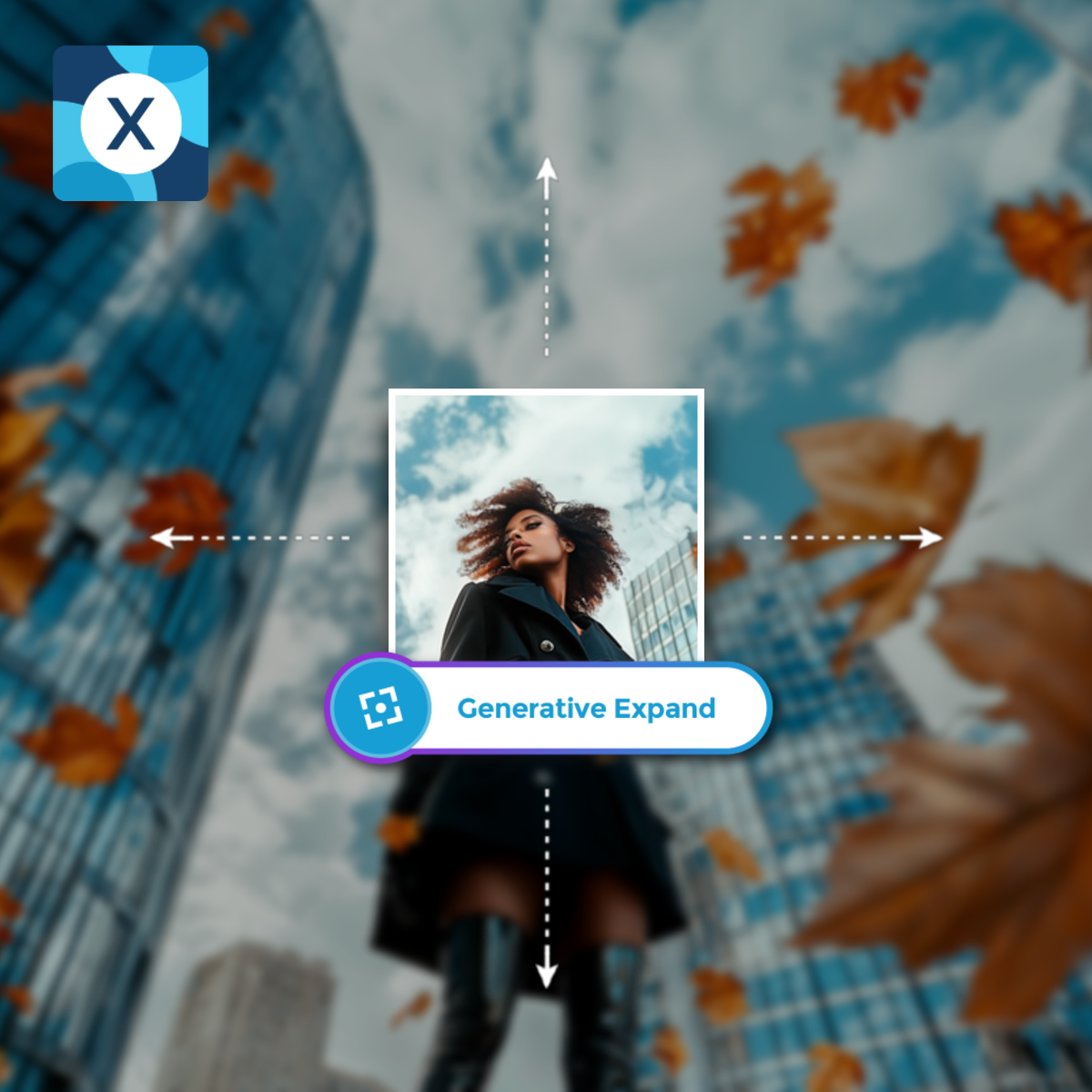
What Is An AI Image Extender?
Pixlr's Sky Changer Tool makes it easy to change or enhance the sky in any photo. In just a few steps, you can replace a dull sky with a bright sunset or dramatic clouds. The tools are simple to use, thanks to the user-friendly interface and intuitive controls. You can also adjust colors and lighting to make the new sky look natural and blend perfectly with your photo.
How To Extend Images With AI Generative Expand?
1
2
From the left tool bar, click on “AI Tools,” and select the “Generative Expand” tool.
3
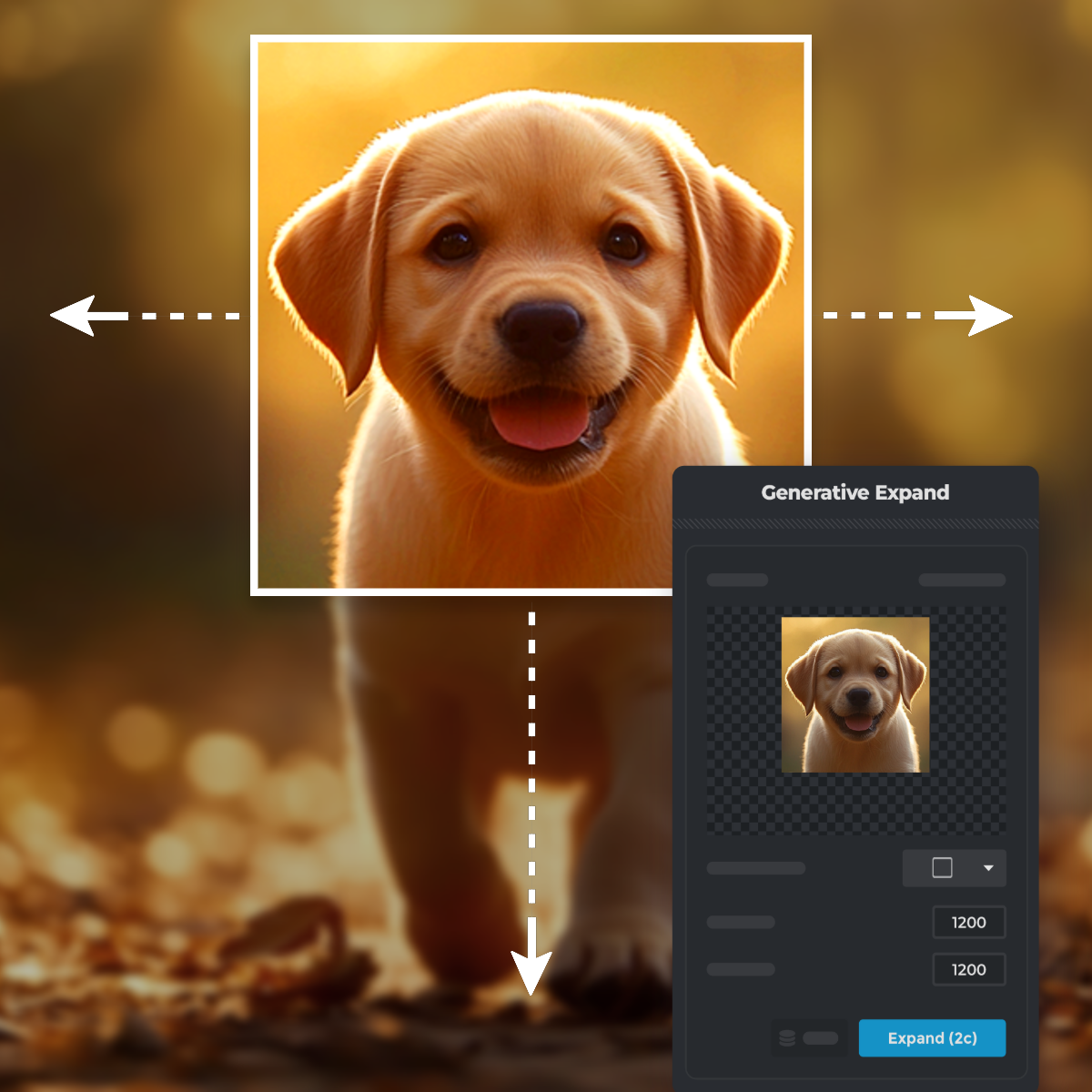
Use one of the presets like 1.5x High, 1.5x Wide, or 2x Size, enter custom width and height values for specific dimensions.
4
Click on the “Expand” button. Pixlr’s AI will analyze the image and extend the areas with content that matches the original.
5
Once satisfied, click on “Save”. You can choose formats like JPG, PNG, or WebP, and set the quality slider before downloading your expanded image.
Extend Photos Instantly With One Click
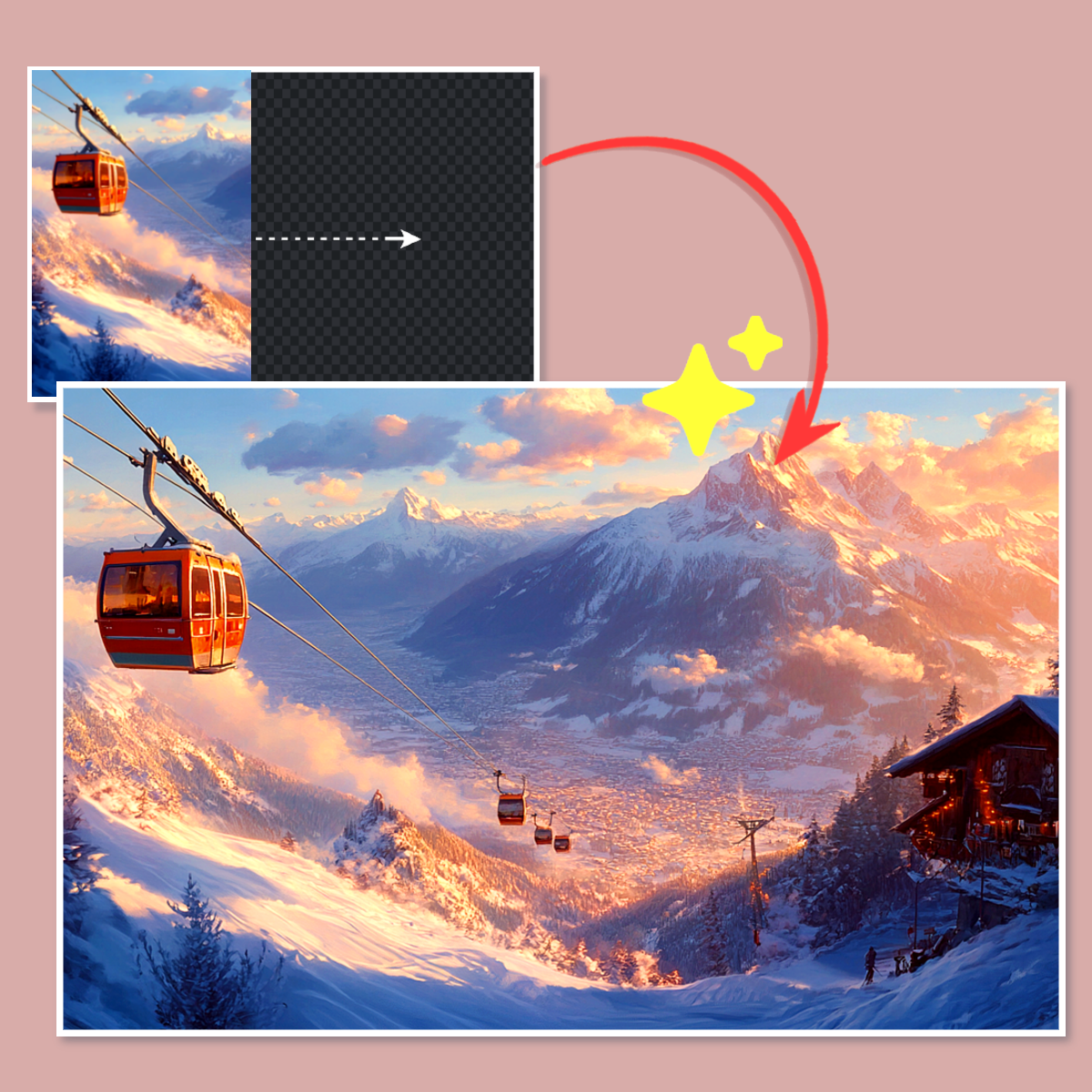
Pixlr’s AI Image Extender allows you to expand photos instantly with just one click. This advanced tool analyzes your image and generates seamless extensions that perfectly match the original style and details. Whether you’re resizing for banners, website headers, or graphic designs, Pixlr makes the process effortless. By eliminating tedious manual adjustments, this feature saves time while delivering professional-quality results.
Uncrop Images To Fit Any Purpose
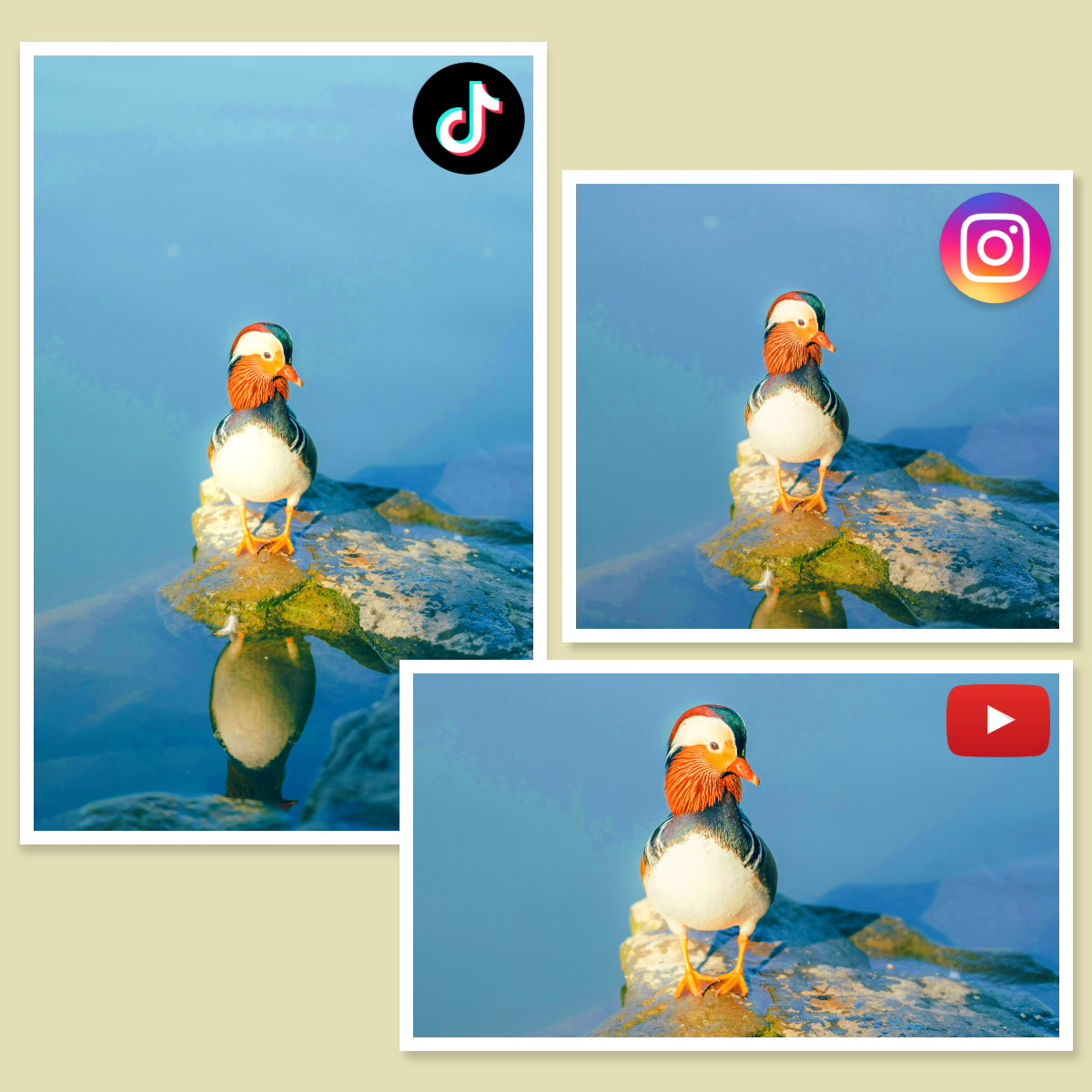
Pixlr’s AI Expand Image tool simplifies uncropping by offering a range of versatile presets. Whether you’re resizing to a perfect square, portrait, or wide format, Pixlr’s AI automatically extends your visuals to fit these dimensions seamlessly. Ideal for presentations, posters, or high-quality prints, these presets ensure your images are expanded accurately while retaining their original aesthetic appeal, saving you time and effort in custom resizing.
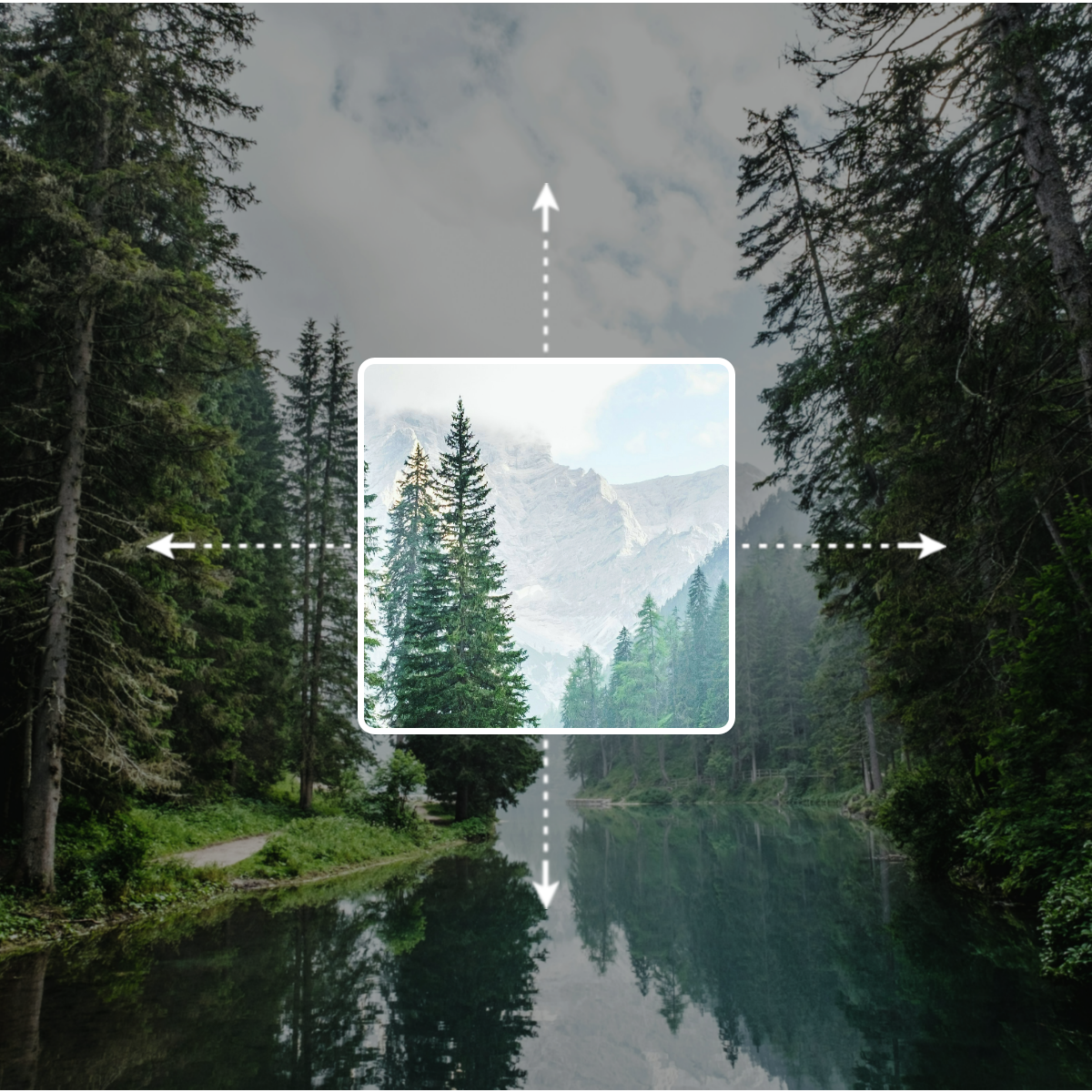
Expand Images Beyond Their Borders
Take your designs further with Pixlr’s AI Extend Image functionality, which effortlessly expands images beyond their original borders. The tool provides precise presets to expand images seamlessly for a variety of professional and creative needs. Choose from options like 1.5x High, 1.5x Wide, or 2x Size to effortlessly scale images. These presets intelligently analyze the original image’s composition, ensuring every extended section blends naturally.
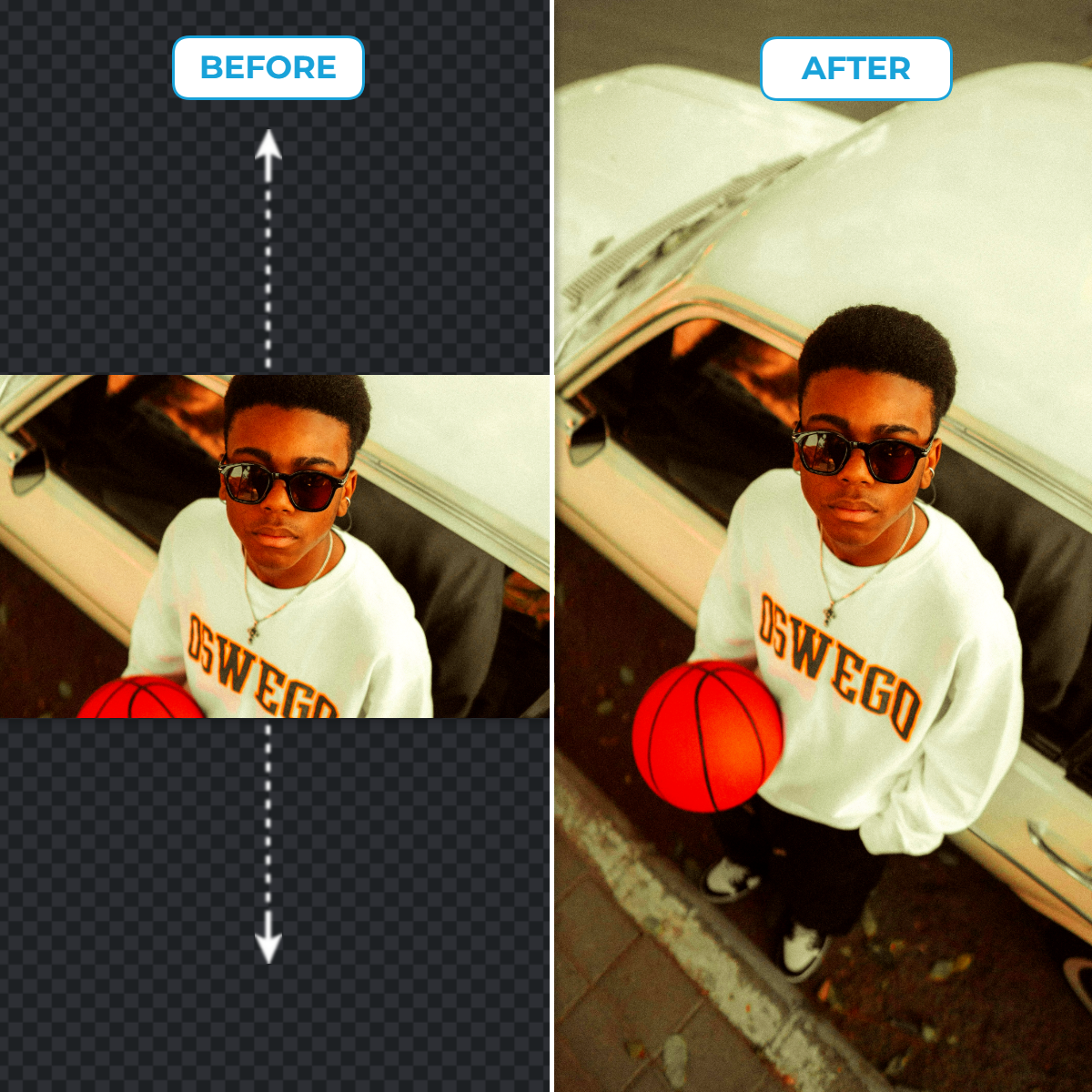
Create Perfect Social Media Formats Effortlessly
Pixlr’s AI Image Extender includes pre-set sizes specifically tailored for social media formats, such as square, story, and portrait layouts. This feature allows you to expand or adjust images to fit platform-specific requirements with incredible accuracy. The AI ensures that every extension looks natural and visually appealing, making it perfect for social media posts and ads. Optimize your content with ease while ensuring maximum audience engagement.
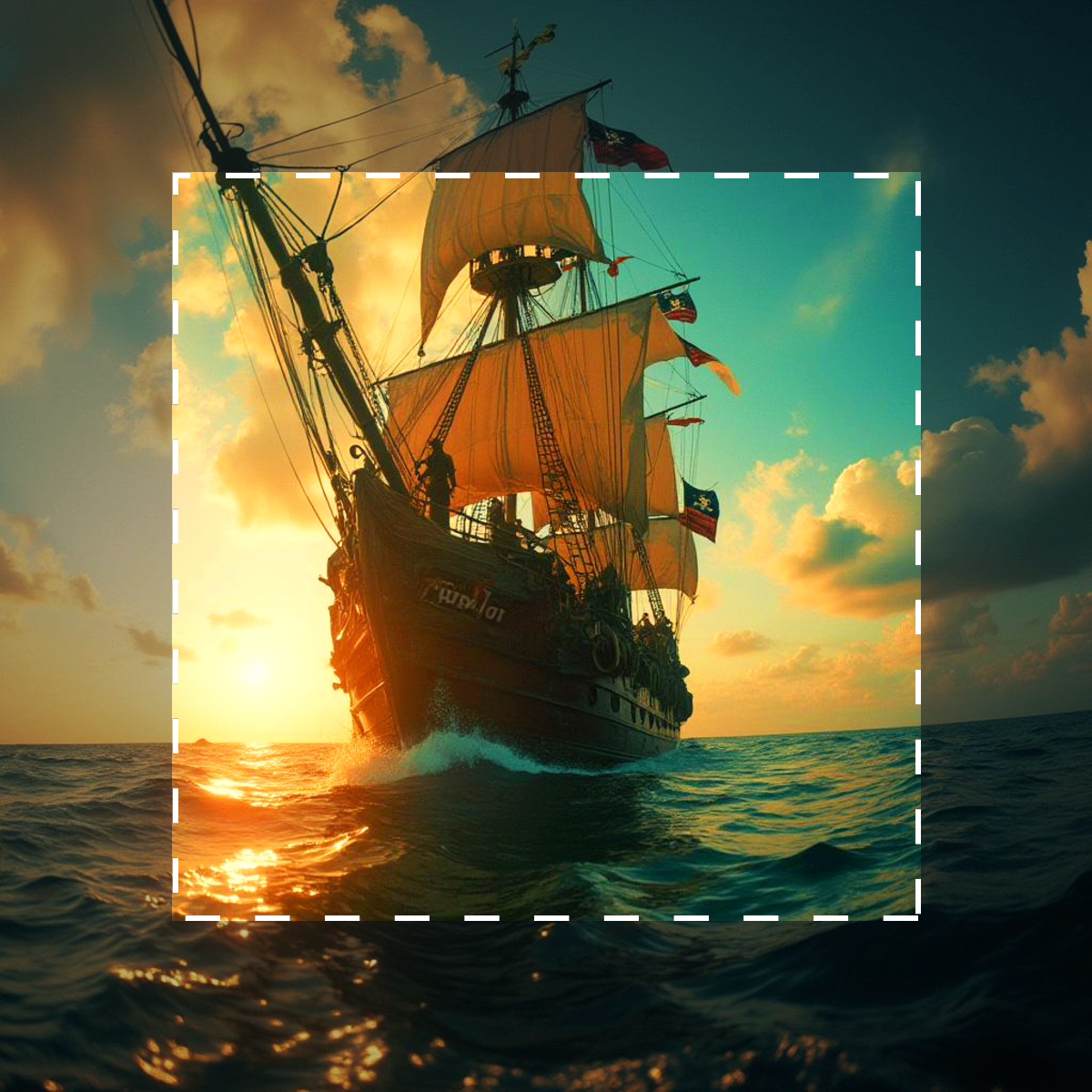
Inpaint And Outpaint Images With Precision
Pixlr’s AI Generative Fill revolutionizes inpainting by letting users mark areas to generate or replace content effortlessly. Whether you want to add missing elements or replace objects, this tool allows you to provide simple text prompts to guide the AI. By combining intelligent inpainting and AI Extend Image capabilities, Pixlr provides seamless, visually cohesive modifications. Whether for commercial or creative projects, Pixlr offers unmatched precision and flexibility.
Discover The Power Of AI Generative Expand
Create Background Extensions
With Pixlr’s AI Image Extender, you can effortlessly extend backgrounds for banners, product showcases, or website headers. Simply choose a direction to expand, and the AI generates visually cohesive extensions that blend perfectly with the original image.
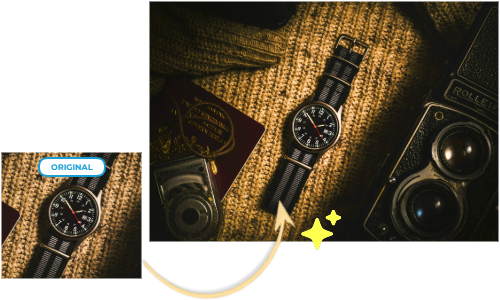
Repurpose Cropped Images
Uncrop any image for creative or professional needs using Pixlr’s advanced AI. Whether you need to recover areas of an image for print, presentations, or unique layouts, the tool intelligently fills missing sections, maintaining the original context and visual consistency.
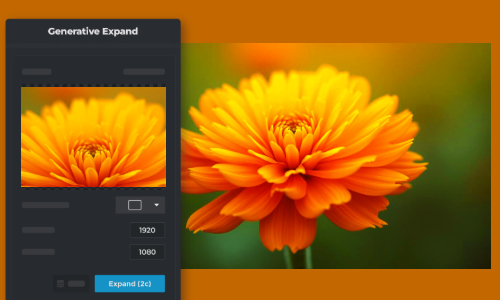
Expand Visuals For Large-Scale Designs
Pixlr’s AI Extend Image is perfect for expanding small images for posters, billboards, or event backdrops. Select custom dimensions, and the AI scales your image while generating realistic details that enhance rather than distort the original design.
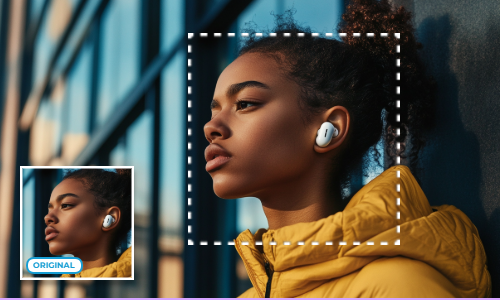
Enhance Storytelling Through Visual Composition
Add depth to your compositions by extending beyond the image’s borders to incorporate negative space or creative elements. Pixlr’s AI-powered tools help you craft storytelling visuals with precision, perfect for artistic projects or unique marketing campaigns.
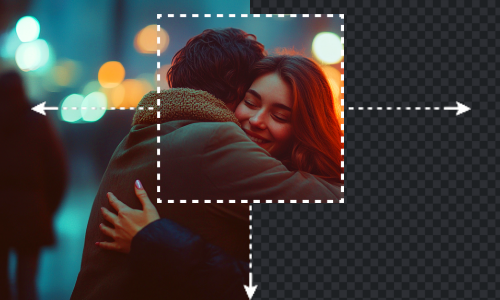
Do More with Pixlr AI Tools
Frequently Asked Questions
How does the AI Image Extender work?
It analyzes the visual elements of your image and generates additional content that blends naturally with the original, allowing for smooth expansion.
Can I use the AI Image Extender for free?
No, Pixlr’s AI Image Extender requires 2 AI credits for each expansion. You can purchase credits by subscribing to a Pixlr plan to access this feature.
What image formats are supported?
Pixlr supports common formats like JPEG, PNG, Tiff, and WebP for expanding.
Will the extended areas match the original image quality?
Yes, the AI is designed to generate extensions that maintain the quality and style of the original image.
How long does it take to process an image?
Processing time is typically quick, often completing within seconds, depending on the internet speed, image size, and complexity.
Is my uploaded image stored on Pixlr's servers?
Pixlr prioritizes user privacy and does not store images longer than necessary for processing.
Can I undo the extension if I'm not satisfied?
Yes, Pixlr provides an undo option right at the bottom, allowing you to revert changes.
Does the AI Image Extender work on all types of images?
While effective on most images, results may vary with complex patterns or abstract designs.