Trình tạo video AI miễn phí
Trình tạo video AI miễn phí tốt nhất — chuyển văn bản thành video hoặc làm sống động ảnh của bạn. Được hỗ trợ bởi Google Veo, Seedance và Kling AI. Tạo video HD từ văn bản hoặc hình ảnh trong vài giây. Hoàn hảo cho quảng cáo, mạng xã hội, hướng dẫn và trưng bày sản phẩm.


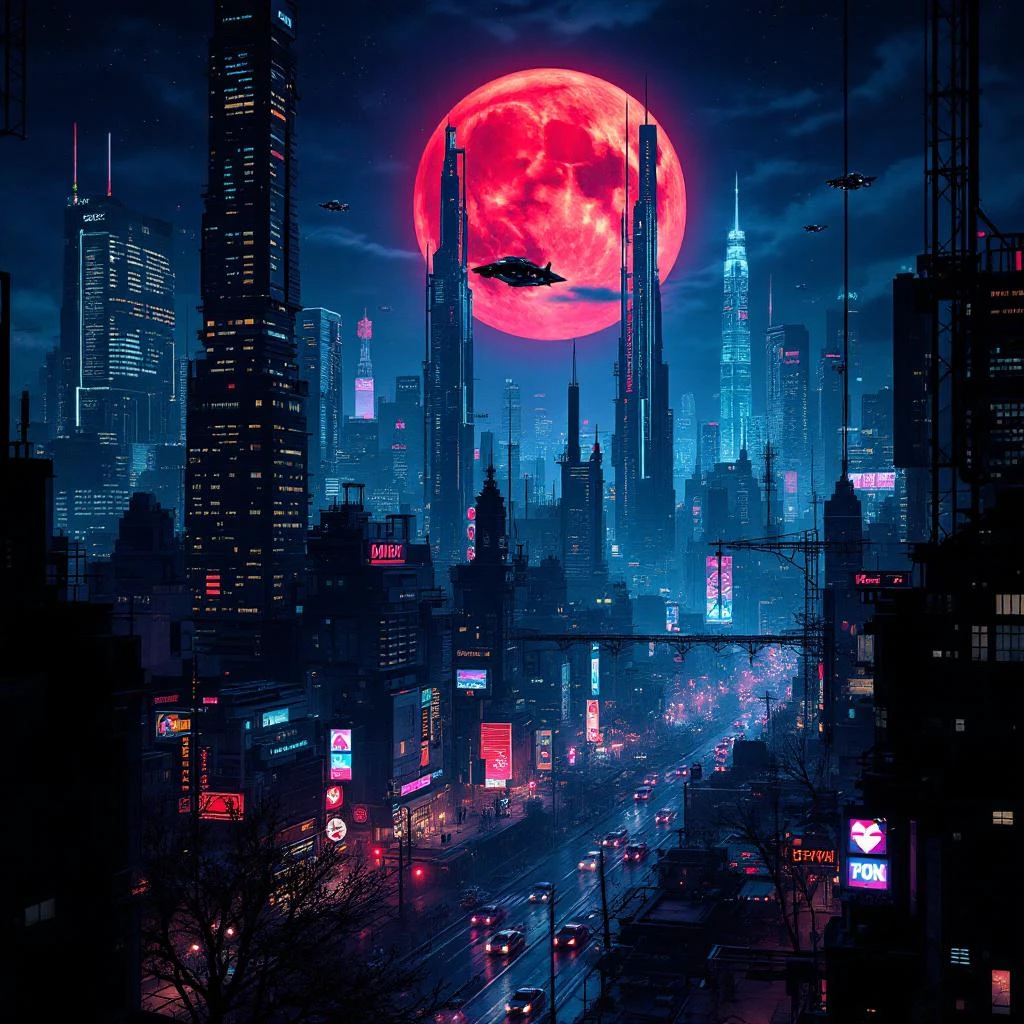
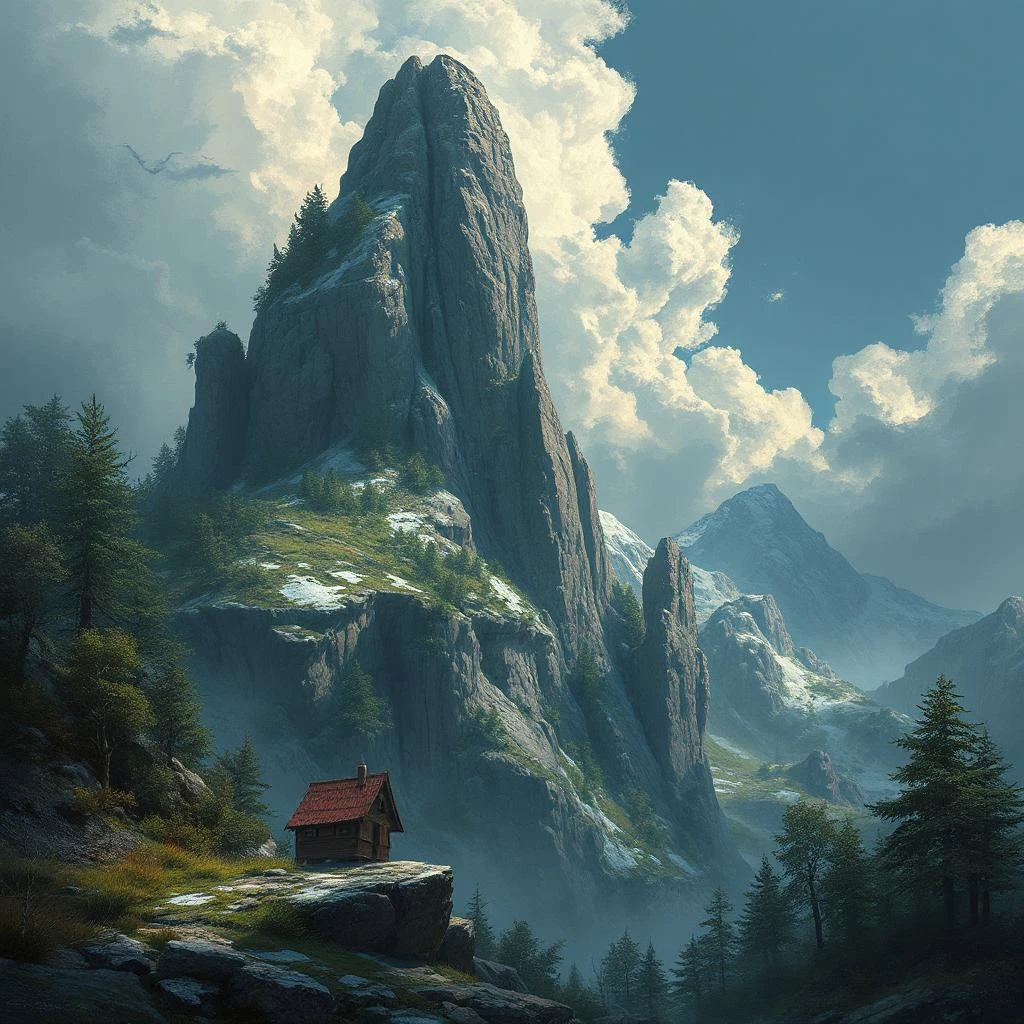
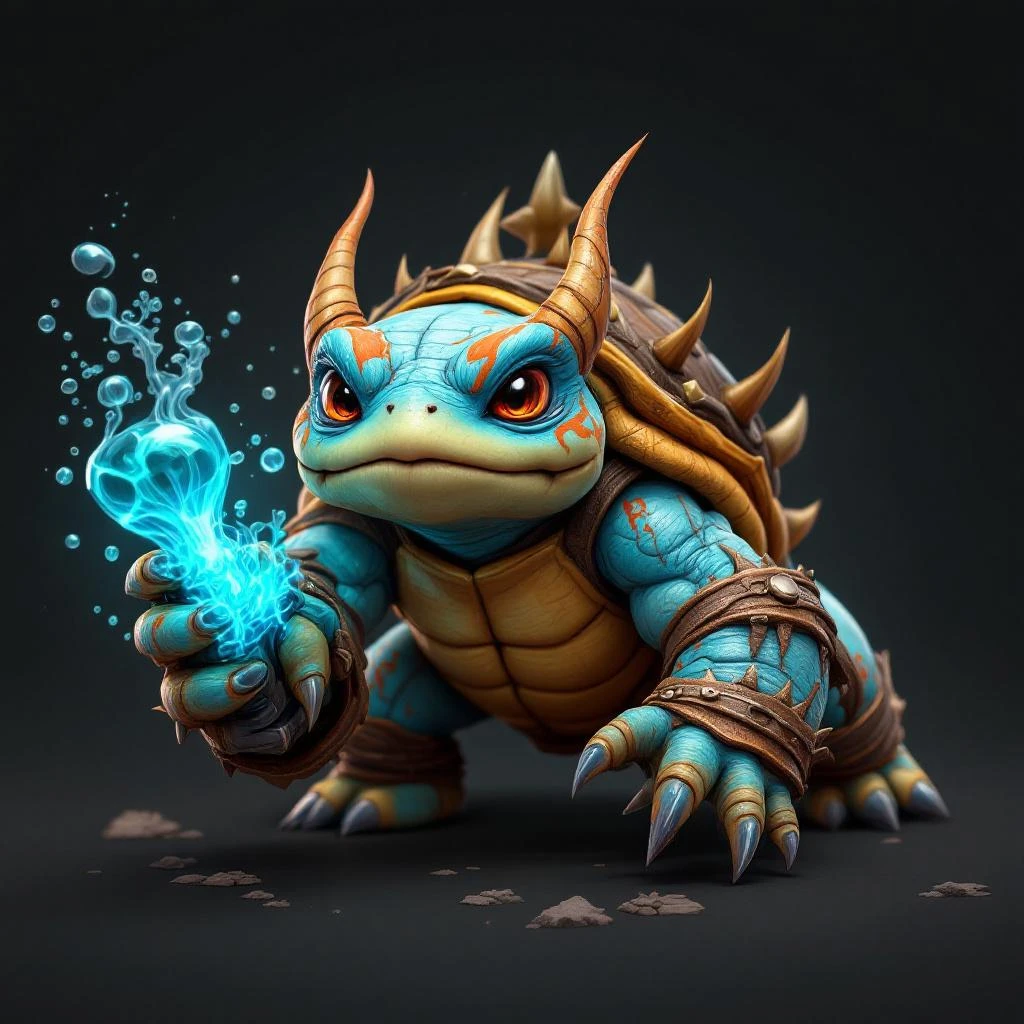
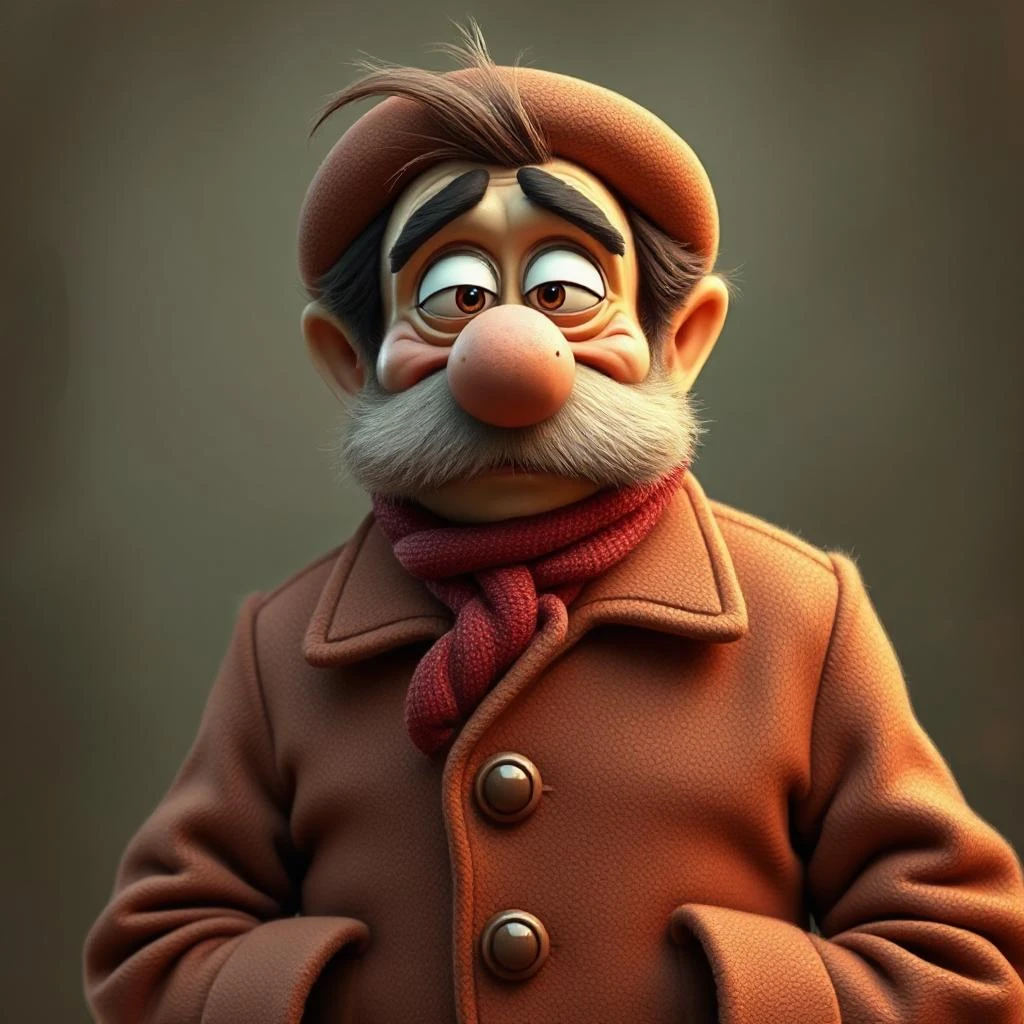
Introduction to AI Video Generation
AI video generation is a revolutionary technology that enables users to create high-quality videos using artificial intelligence. With the help of an AI video generator, users can transform simple text prompts into stunning videos, making video creation more accessible and efficient. This advanced technology analyzes the text prompt and generates a video that meets the user’s requirements, whether it’s for explainer videos, training videos, or social media content. By leveraging AI video generation, users can save time and effort, allowing them to focus on other aspects of their business or creative endeavors. The result is a seamless video creation process that produces high-quality videos with minimal input.
Convert text to video with one prompt
Easily create videos from text using Pixlr's AI-powered text to video generator by inputting your script. With just a prompt, our online video maker transforms it into a full video complete with scenes, transitions, and background music. Whether you're making a marketing video, explainer, or social media post, you can turn simple ideas into professional-quality content without complicated tools. Perfect for busy marketers, small businesses, content creators, and anyone who needs to make videos online quickly and affordably. Get your messagen across with clear, engaging videos that are ready to share on any platform.
Animate images into smooth video sequences
Bring your static images to life and make videos online effortlessly with Pixlr’s image to video tool. Upload personal photos, product photos, lifestyle shots, or event images, and transform them into dynamic, animated videos in just a few clicks. Add custom transitions, choose your music, and create eye-catching slideshows perfect for Instagram, TikTok, Facebook, and YouTube. Whether you’re creating product promos, brand stories, or social media campaigns, Pixlr makes it easy to turn static visuals into powerful video content that drives engagement and helps grow your audience.
Customize layouts, music, and video speed
Personalize every part of your video with Pixlr's easy-to-use video editor features. Adjust the video layout to highlight your message, fine-tune transitions for smoother flow, choose background music that sets the tone, and control video speed for more impact. Make quick edits to delete unwanted parts or adjust scenes and characters effortlessly. Whether you’re making short videos for TikTok, product videos for Amazon, or tutorial videos for YouTube, Pixlr gives you flexible options without the steep learning curve of traditional editing software. Create high-quality videos that reflect your brand and keep your viewers interested from start to finish.
Download high-quality videos watermark-free
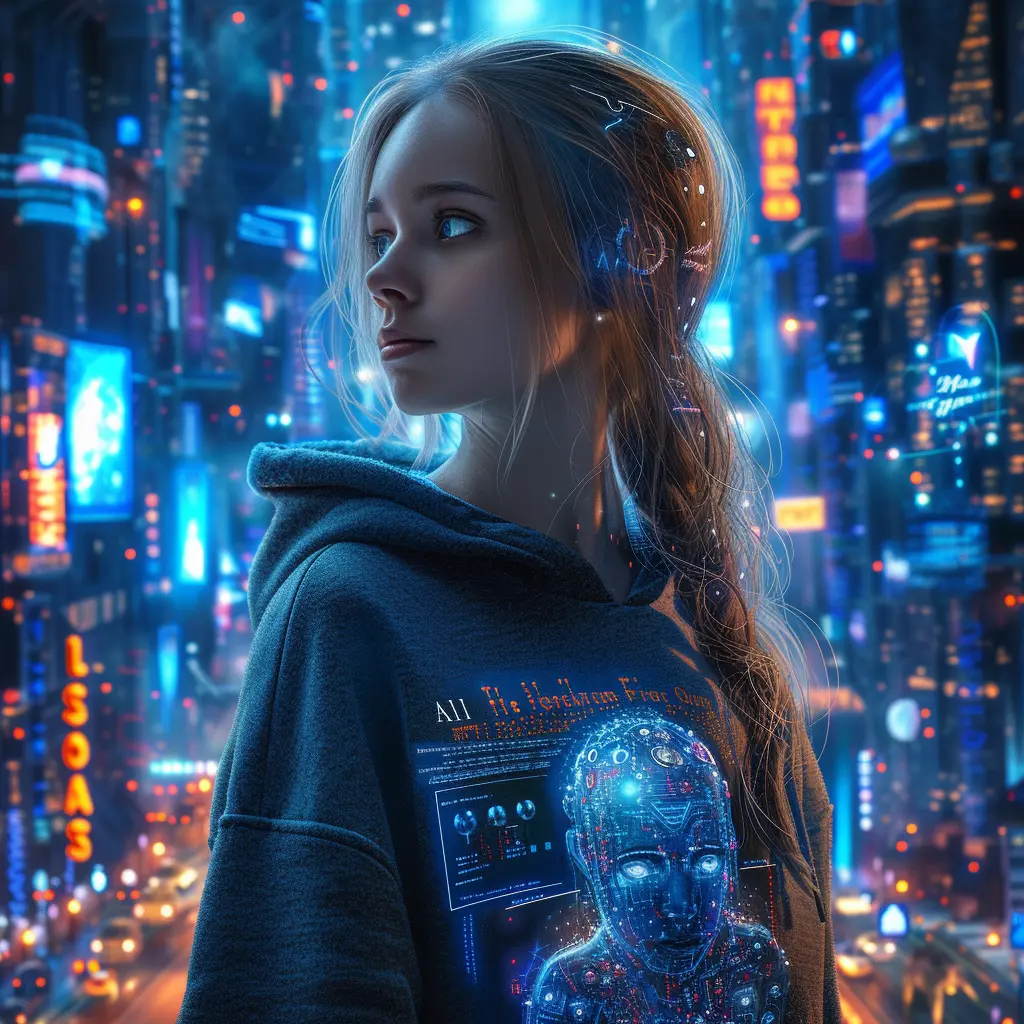
Create and download high-quality videos with Pixlr without worrying about watermarks ruining your work. Our online video maker lets you export HD video output that is clean, professional, and ready to use across websites, social media, advertising campaigns, and presentations. You can create publish-worthy videos by utilizing AI technology to transform still images into engaging videos quickly. Maintain your brand's credibility with polished videos perfect for Facebook Ads, YouTube uploads, Instagram Reels, and TikTok promotions. Whether you’re a business owner, marketer, or creator, Pixlr gives you the tools to make professional videos easily and without hidden costs or restrictions.
AI Video Creation Process
The AI video creation process is straightforward and user-friendly. It begins with the user inputting a text prompt or uploading an image. The AI video generator then analyzes this input and generates a video tailored to the user’s specifications. Users have full control over the video creation process, allowing them to fine-tune the video by adding other elements such as music, animations, or editing the clips. This customization ensures that the final video aligns perfectly with the user's vision. Once the video is generated, it can be downloaded in various formats, making it easy to share on social media platforms, YouTube, or other online channels. This process not only simplifies video creation but also ensures high-quality output every time.
Create videos for ads, tutorials, and social media
Creating videos that fit any purpose with Pixlr's AI Video Generator is now easier than ever. The AI video creator tool offers capabilities such as generating videos from text prompts and images, making the video creation process versatile and efficient. Whether you need to create videos for social media, design engaging ads for Facebook and Instagram, or produce helpful tutorials for YouTube, Pixlr makes it fast and easy. Start with a simple text prompt or a few images, customize your video, and share your final creation everywhere your audience is. Ideal for marketers, entrepreneurs, educators, and influencers who need to create more content in less time. No complex software, no video editing background needed — just smart, creative results.
AI Video Generation Trends
The AI video generation market is rapidly evolving, with new trends and technologies emerging every day. One of the most exciting trends is the use of generative AI, which allows users to create stunning videos using simple text prompts. This technology is making video creation more accessible and efficient than ever before. Another significant trend is the integration of AI video generation with other tools and platforms, such as Adobe Premiere Pro, providing a seamless video creation experience. Additionally, the use of AI avatars and lip sync technology is gaining popularity, enabling users to create dynamic videos with realistic characters. As AI video generation technology continues to advance, we can expect to see even more innovative applications across various industries.
How to Generate AI Videos in 4 Easy Steps
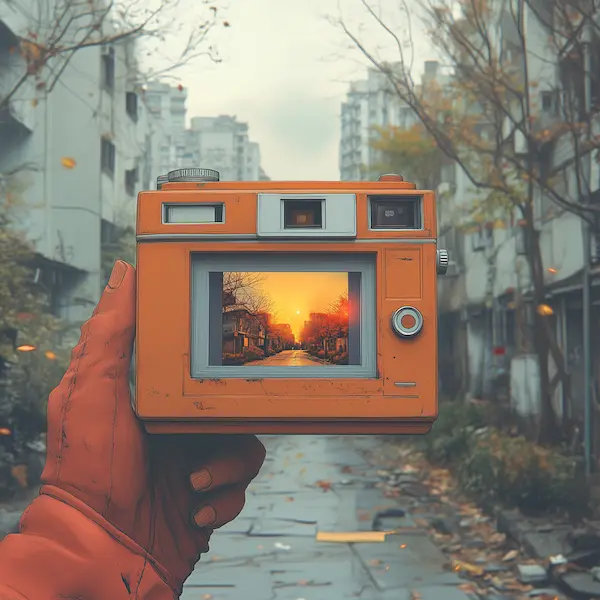
- Choose Image to Video or Text to Video mode at the top of the tool.
- Write a detailed text prompt describing your scene, or upload a photo to animate.
- Pick an AI model — Fast, Pro, or Ultra — and select your aspect ratio.
- Click Generate and your HD video will be ready to download in under a minute.
videoGenFeedHTitle
Video quang cao: Tao quang cao TikTok gay chu y
Nhanh chong bien mo ta san pham thanh video quang cao thu hut su chu y tren TikTok, Instagram va cac nen tang xa hoi khac bang cach bo sung canh quay B-roll. Tan dung cac chuyen dong camera va goc quay da dang de tao noi dung video hap dan thu hut khan gia cua ban.
Demo san pham: Bien thong so ky thuat thanh video giai thich
De dang chuyen doi thong so ky thuat va tinh nang phuc tap thanh video demo san pham dong voi cac canh rieng biet lam noi bat tung khia canh. Tan dung video tao boi AI de bien nhung chi tiet ky thuat nay thanh noi dung hap dan thu hut su chu y va tang cuong su hieu biet. Tao nhung video giai thich truc quan hap dan lam noi bat loi ich san pham cua ban mot cach ro rang va don gian, giup khach hang hieu, tin tuong va chon thuong hieu cua ban nhanh hon va tu tin hon.

Teaser mang xa hoi: Tu dong tao video ra mat
Video teaser mang xa hoi tao boi AI co the duoc thiet ke de quang ba ra mat san pham moi, chien dich va su kien. Chi can nhap mo ta chi tiet va click tao de tao cac video duoc toi uu hoa cho TikTok, Instagram va Facebook giup tao su quan tam, gay hao hung cho khan gia va toi da hoa pham vi tiep can tren tat ca cac kenh mang xa hoi chinh.
Video dao tao: Bien tai lieu nhan su thanh video huong dan
Bien cac tai lieu, chinh sach va so tay nhan su thanh video dao tao sinh dong ma nhan vien moi thuc su thich. Nang cao nhung video nay voi hinh anh tao boi AI bang cach tan dung noi dung hien co tu internet, dong thoi dam bao tuan thu luat ban quyen va huong dan cua to chuc. Lam cho qua trinh dao tao nhanh hon, hap dan hon va hieu qua hon bang cach bien van ban kho khan thanh noi dung video ro rang, dang nho voi huong dan va hinh anh minh hoa.
Video huong dan: Tao video tung buoc
Bien cac huong dan dang van ban thanh video huong dan truc quan voi giong doc AI de tao video AI hap dan. Chat luong video cao la can thiet de tao ra huong dan ro rang va hieu qua, dam bao moi buoc duoc hien thi ro rang giup viec hoc nhanh hon va de dang hon. Ly tuong cho doanh nghiep, nha giao duc va nha sang tao muon cung cap video huong dan don gian, de thuc hien cho san pham, phan mem hoac quy trinh.
Bạn có câu hỏi nào không?
What is Pixlr's AI Video Generator?
Pixlr's AI Video Generator turns text prompts or images into short HD video clips using AI models like Google Veo, Kling, and Seedance. You describe a scene or upload a photo, pick a model and aspect ratio, and the AI generates the video for you.
Is the AI Video Generator free to use?
Yes. You can generate videos on a free account and there are no watermarks on any exports. Sign up to get started.
What AI models can I choose from?
You can choose between Fast (Seedance Lite), Pro (Kling V2), and Ultra (Google Veo) models. Fast is quickest, Pro offers a good balance, and Ultra delivers the highest quality and most realistic motion.
Can I generate video from both text and images?
Yes. Switch between Image to Video and Text to Video modes at the top of the tool. Image to Video animates a photo you upload, while Text to Video creates a video entirely from your text description.
How long does it take to generate a video?
Most videos generate in under 60 seconds, depending on the model. The Fast model is quickest, while Ultra may take slightly longer for higher quality output.
What format and resolution are the videos?
All videos export as HD MP4 files. You can choose aspect ratios including 16:9 (landscape) and 9:16 (portrait/Stories).